Appendix B: Frequently Asked Questions
Page 268 100-11672 - Rev D
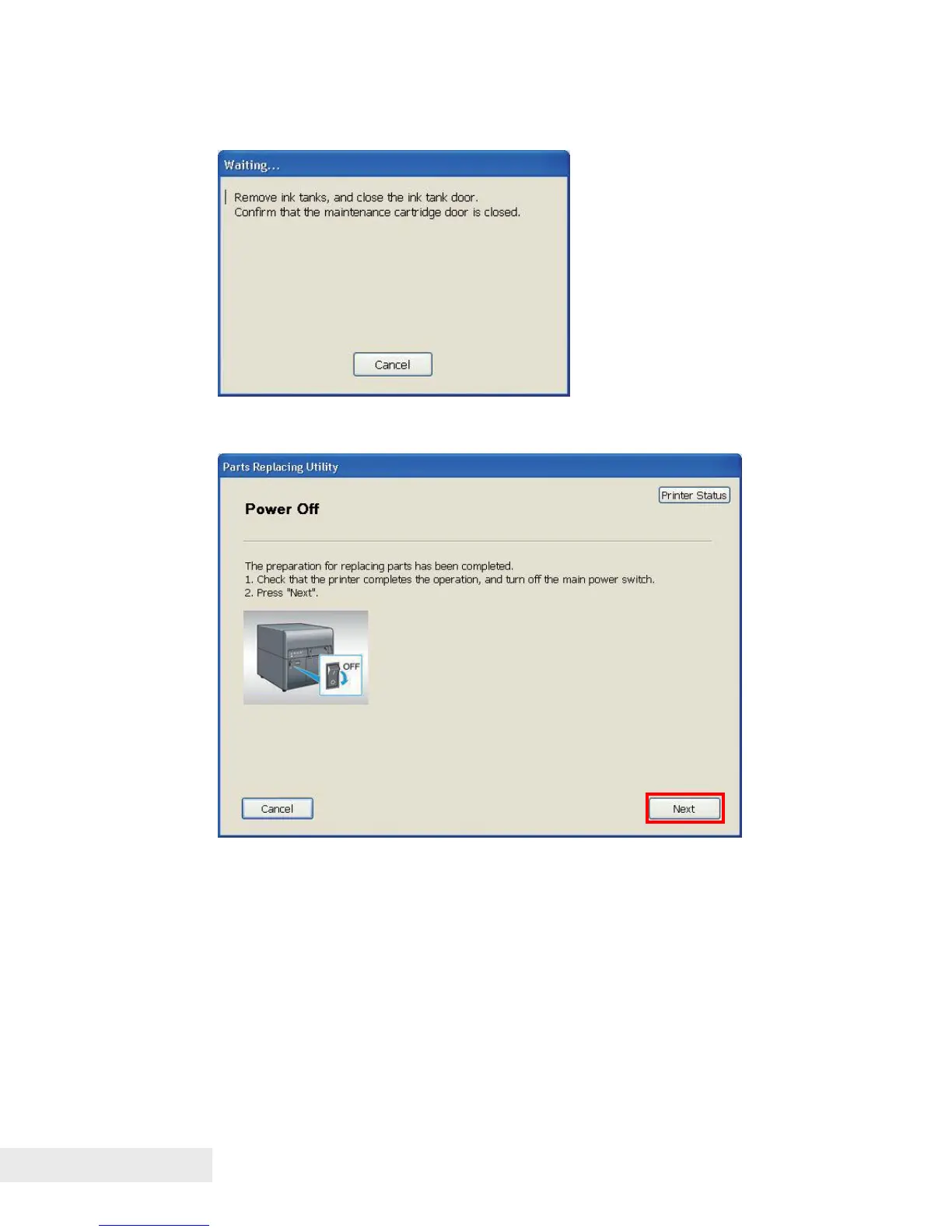
5) When the following message is displayed, remove Ink Tanks, and then
close Ink Tank Door.
6) When the following message is displayed, turn off Main Power Switch, and
then click [Next].
7) Replace the parts.
Follow the displayed instruction to replace the parts.



 To Next Page