Appendix A: Ordering Genuine Ithaca Supplies
100-11672 - Rev D Page 269
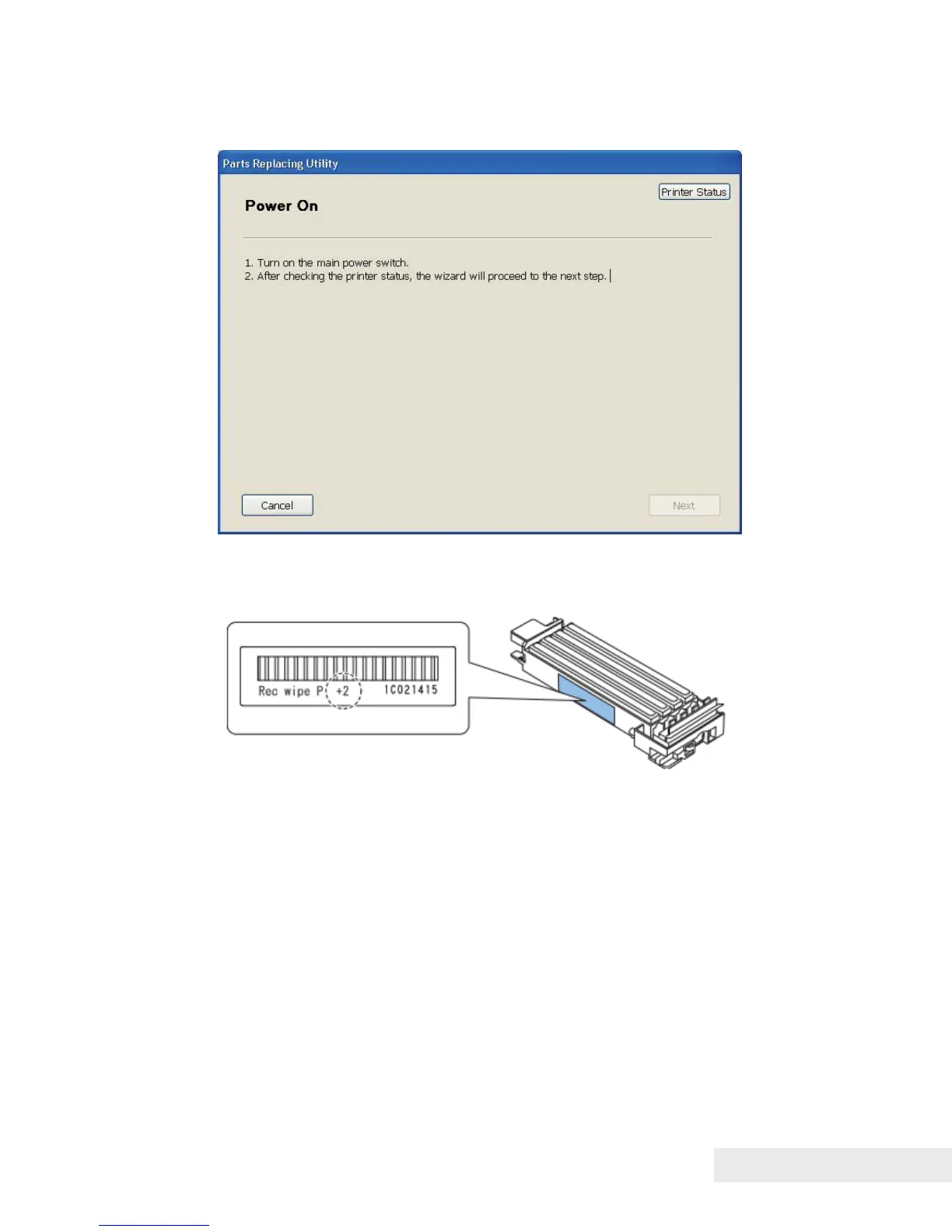
8) When the following message is displayed, turn on Main Power Switch, and
then click [next].
9) When the following message is displayed, enter the adjustment value in the
entry boxes, and then click [Next]
(This step is only for Purge Unit replacement)



 To Next Page