Step-by-Step Installation Instructions
Page 46 100-11672 - Rev D
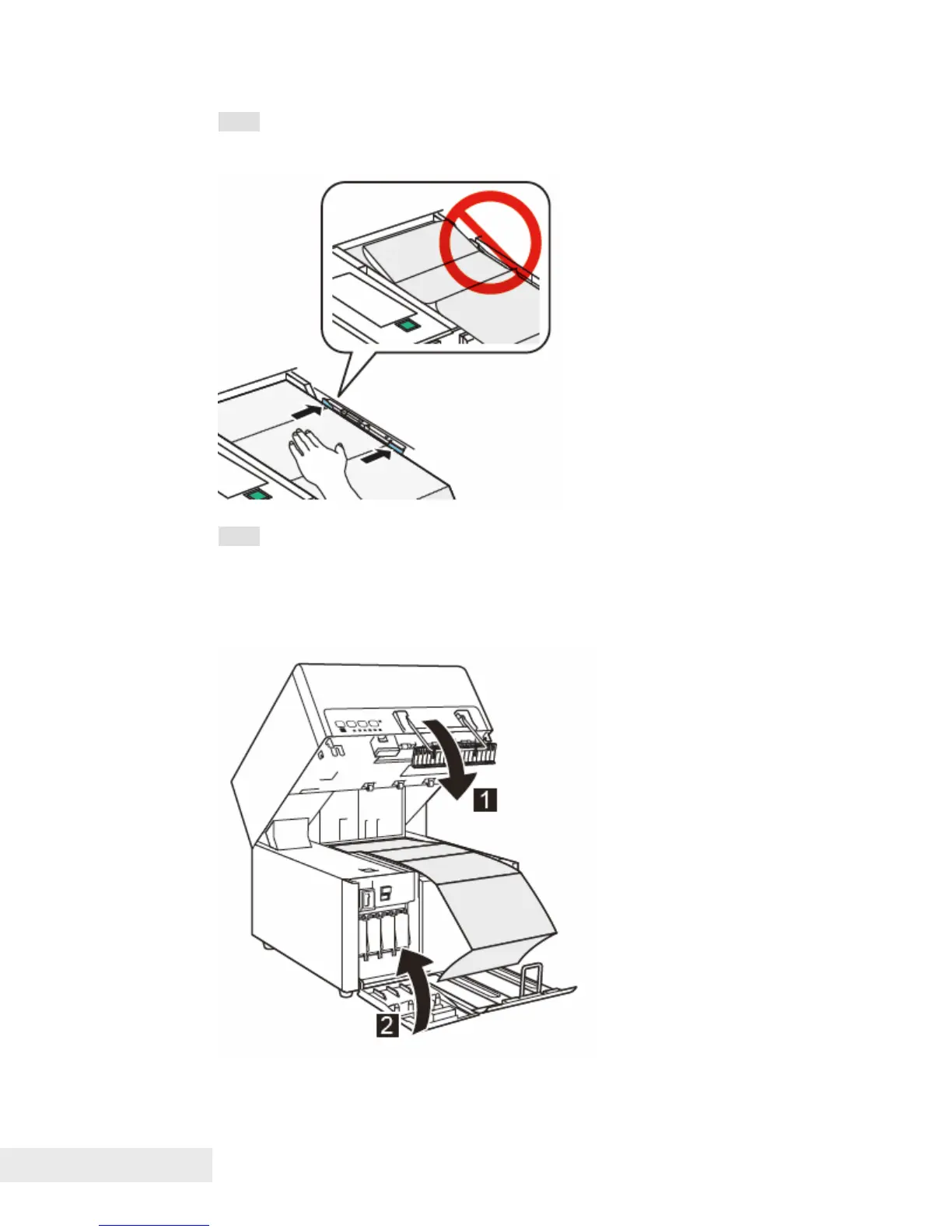
Note: When setting paper in transport area, place it against paper guides on
the right side. Set paper such that it is not slackened.
Note: Largely slack paper can jam. To prevent this, pull out paper over the
transport unit as straight as possible.
12. Close the upper unit and then close the ink tank door.



 To Next Page