Step-by-Step Installation Instructions
100-11672 - Rev D Page 57
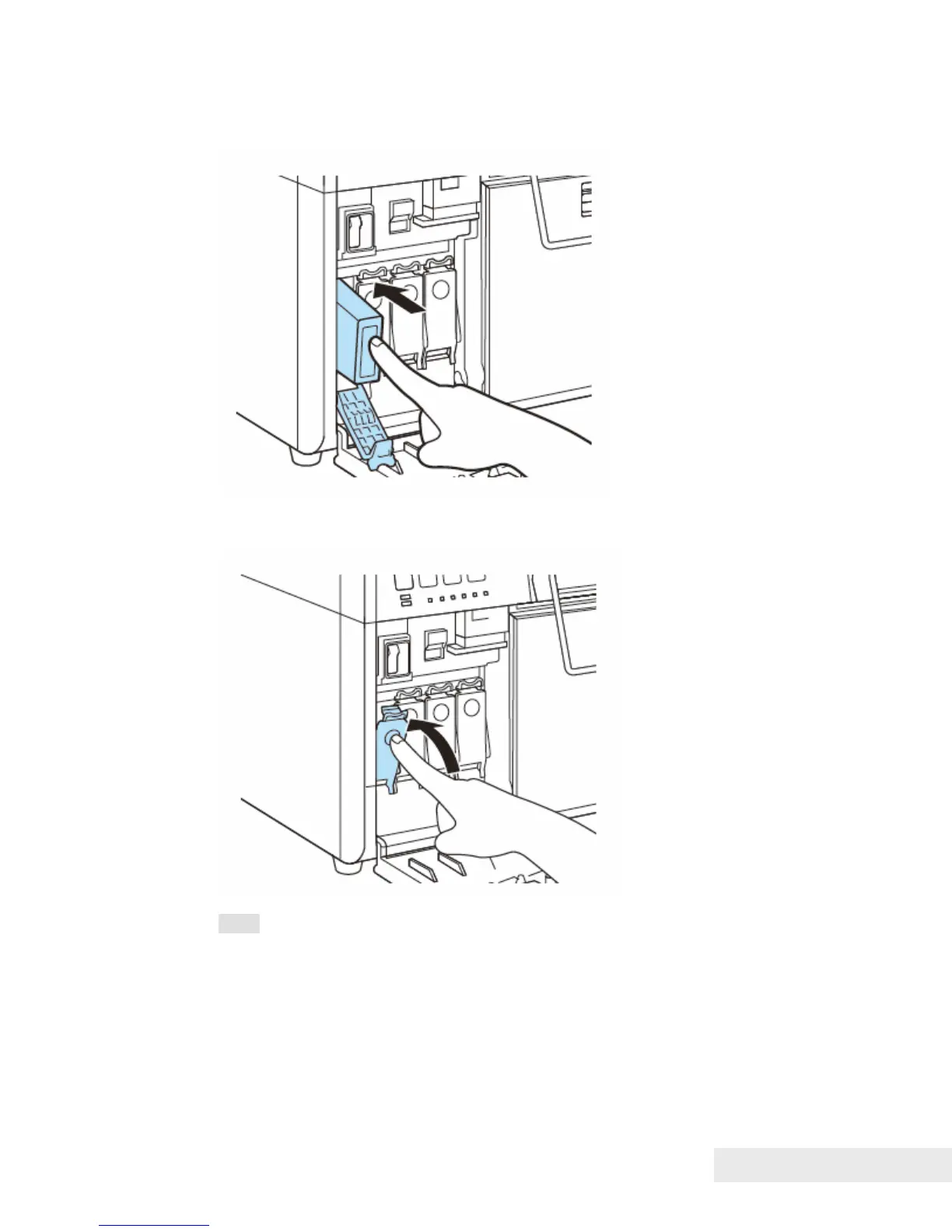
4. Slowly insert a new ink tank all the way.
5. Close the ink tank lever securely.
Note: There are sharp pins in ink tank slots. Never put your fingers into this
area. This could cause personal injury or damage the printer.



 To Next Page