Step-by-Step Installation Instructions
Page 58 100-11672 - Rev D
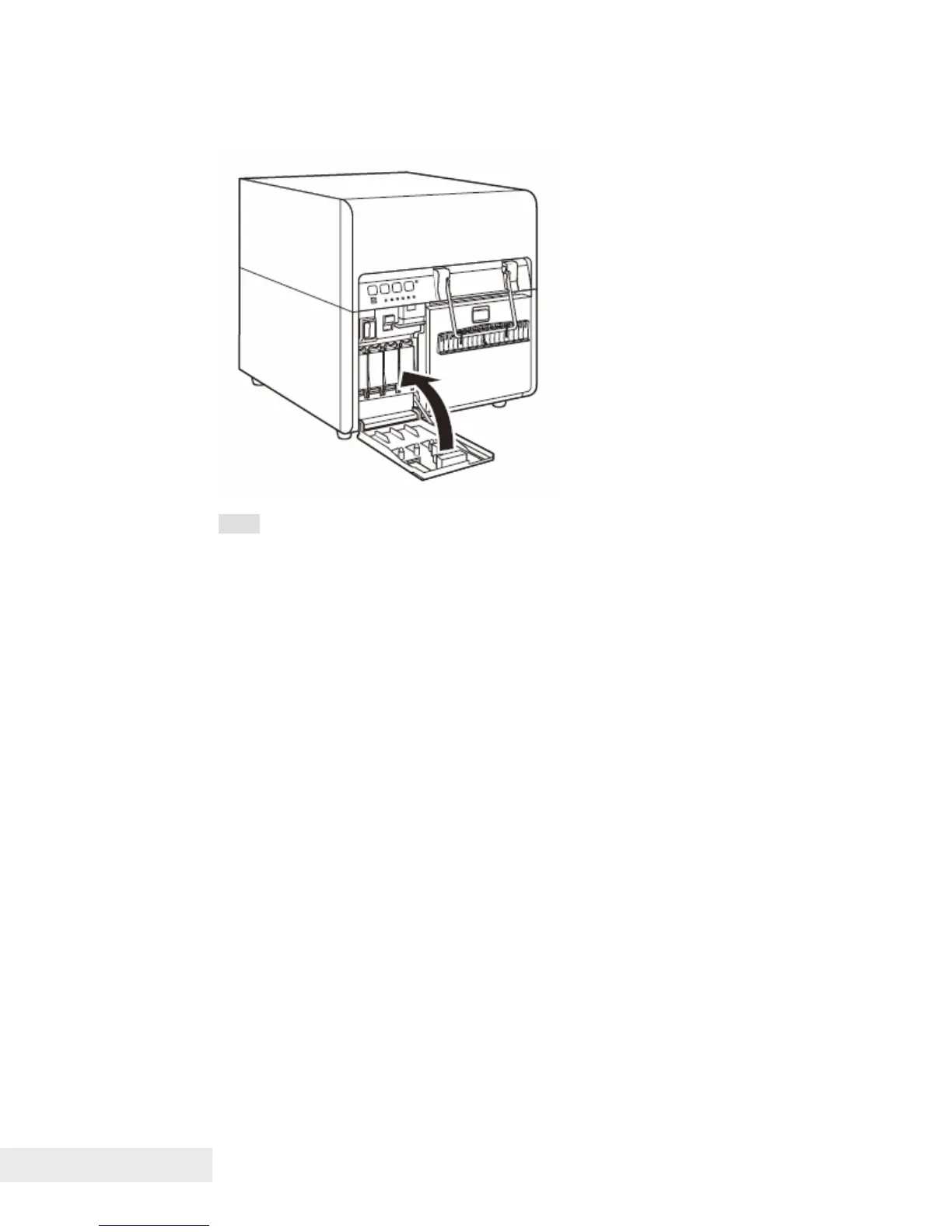
6. Close the ink tank door.
Note:
After installing an ink tank, do not remove it unless you must replace it.
This could shorten the life of the consumables.
Complete the ink tank replacement procedure as quickly as possible. Do
not leave the printer with ink tanks removed.
Be careful not to stain your clothes and the surrounding work area by the
used ink tanks.



 To Next Page