27
8.3.Selection Of Sensor Head(GI-D7 Only)
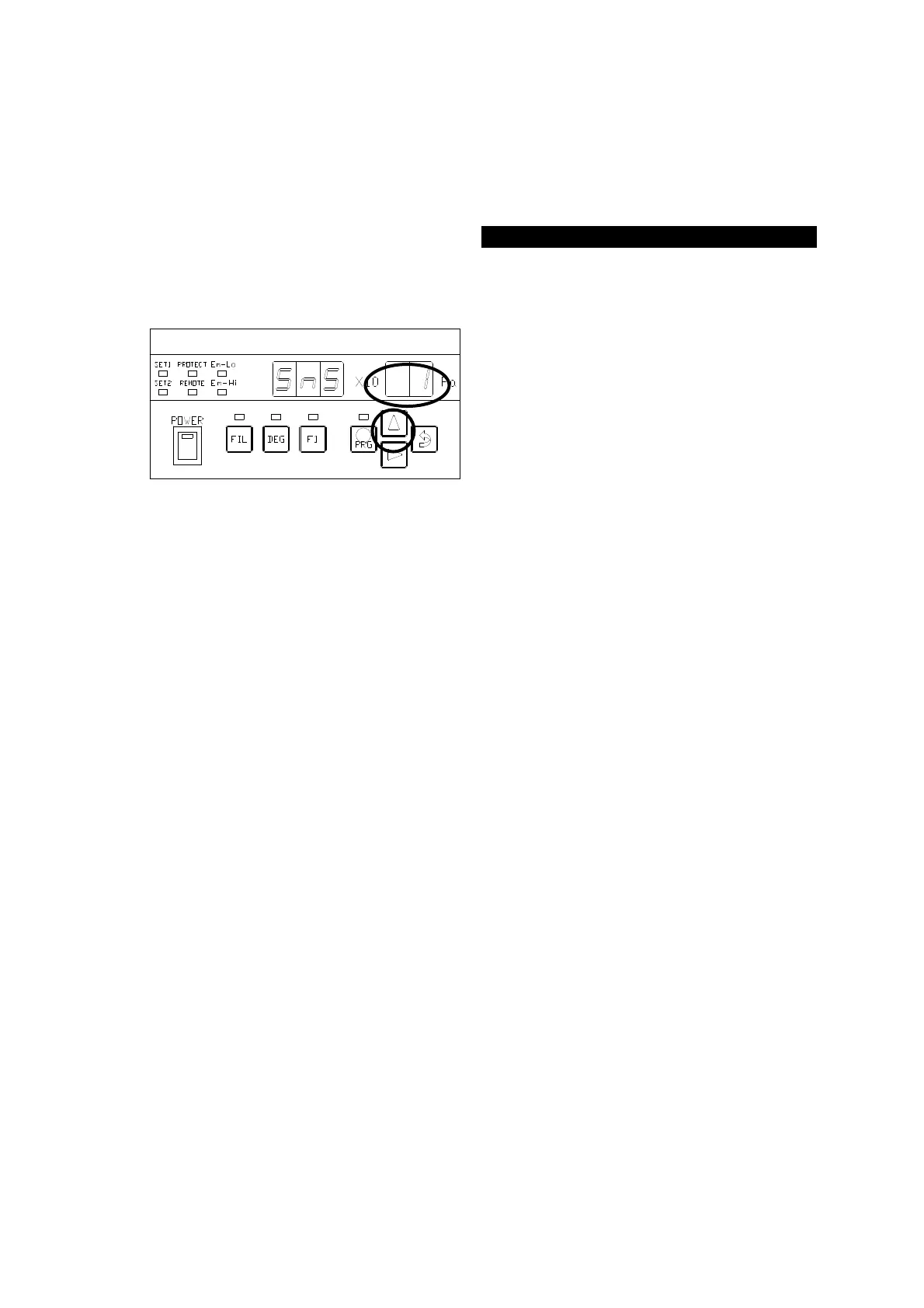
Choose the kind of the sensor head to use. The set point as follows.
SnS:1 ⇒ WIT
SnS:2 ⇒ WIB
The ○
portion in the left figure blinks
after the segment indicator displays [
] for about 1 second. Each time the
[∆] key is pressed, the ○
left figure displays [
] ⇒ [
] cyclically.
When WIT is used, press the [
⇒
(ENTER)
] key with the [
]
selected, to transfer control to the SENS-
① status.
When WIB is used, press the [⇒
(ENTER)] key with the [
]
selected, to transfer control to the SENS-
①



 To Next Page