33
8.12.Selection of Analog Function
→ Refer to P.41
Setting of analog function. The set point as follows.
Eeach-digit linear output mode
GI-D6 compatibility output mode
GI-TL3 compatibility output mode
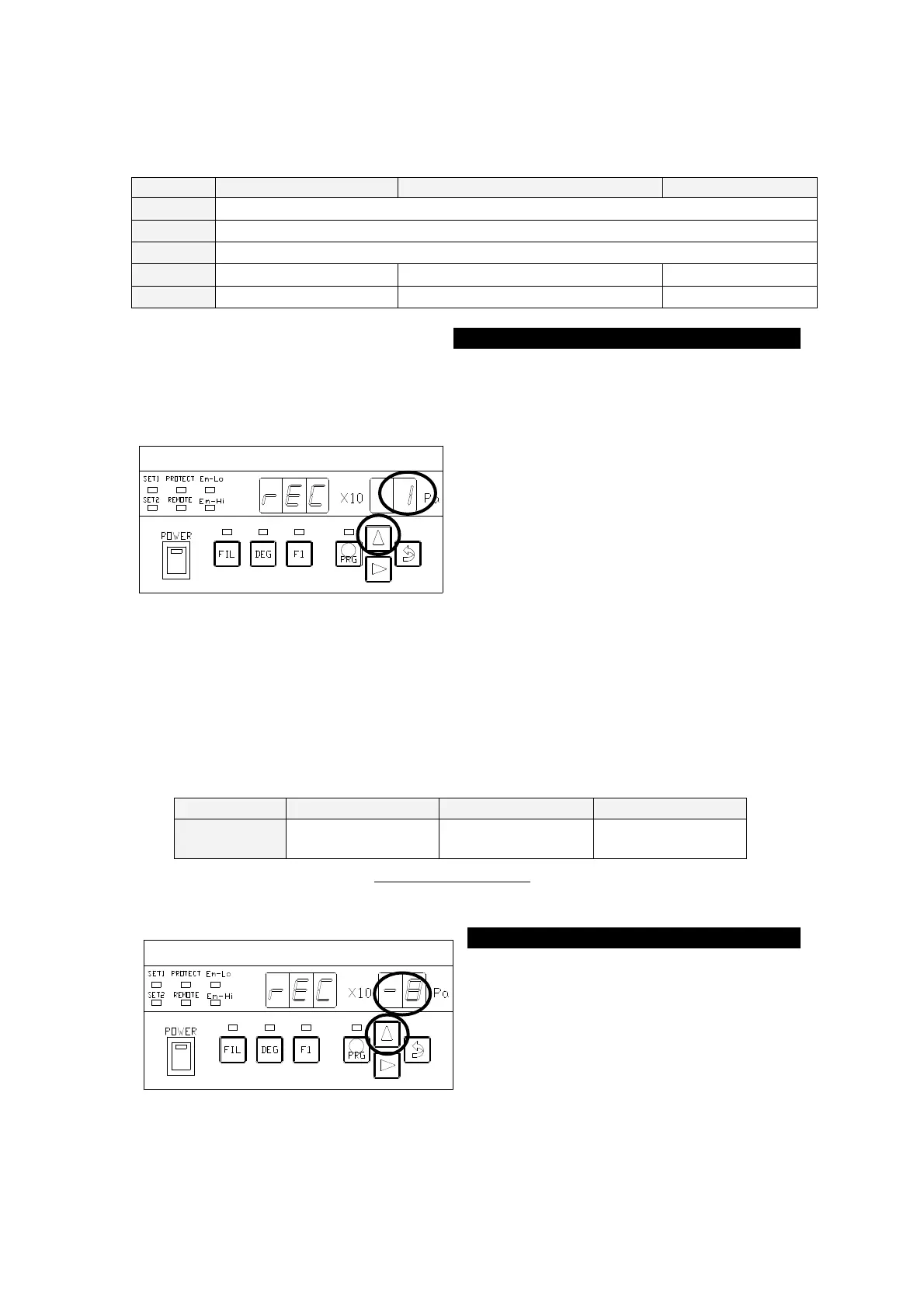
The ○
portion in the left figure blinks
after the segment indicator displays [
] for about 1 second. Each time the [∆]
key is pressed, the ○
segment indicator in the left figure displays
[
]⇒[
]⇒[
]⇒[
]・・ cyclically.
To use recorder LIN(LOG), press the [⇒
(ENTER)] key, with [
]
selected, to transfer control to the BPS-①
status.
To use analog REC-HOLD, press the [⇒
(ENTER)] key, with [
]
selected, to transfer control to the REC-②
8.13. Setting of Analog Function
→ Refer to P.41
Set the REC-HOLD numeric values. The set point as follows.
-0
~
-8
-1
~
-7
-1
~
-9
Settable numeric values are sensitivity factor N2. This setting range will change if a
sensitivity factor other than N2 is designated or if sensitivity setting is entered.
Each time the [∆] key is pressed, the
numeric value of the blinking portion
changes. When a desired value is
displayed, press the [⇒(ENTER)] key to
transfer control to the BPS-① status.



 To Next Page