34
8.14.Setting of Activated Filament(GI-N8 only)
→ Refer to P.34
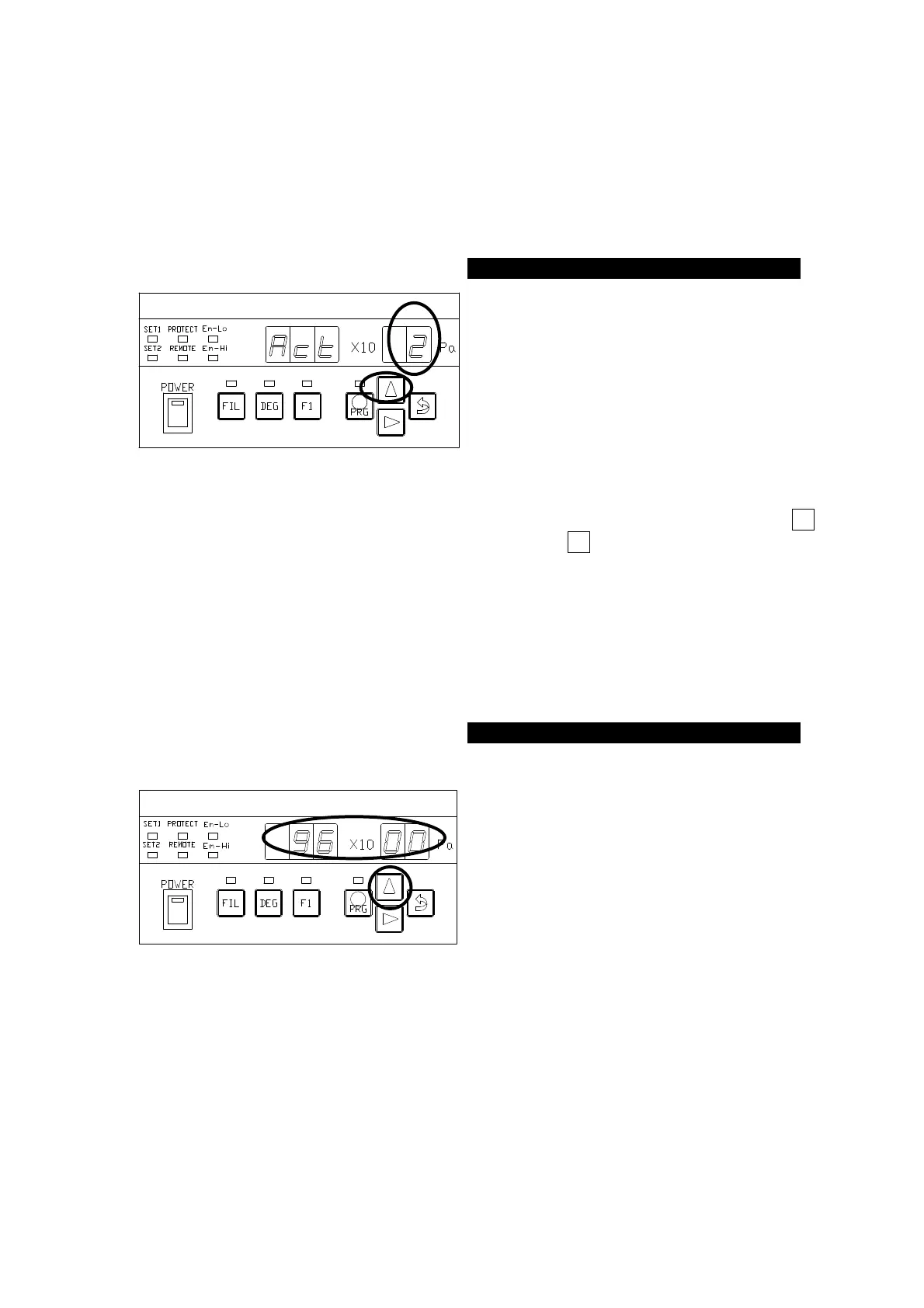
Here, the filament activating action is set.
Filament activating action invalid (OFF) : Act_1
Filament activating action valid (ON) : Act_2
The ○ portion in the left figure blinks.
Each time the [∆] key is pressed, the
numeric value of the blinking portion
changes [・・⇒1⇒2⇒1⇒・・].
When a desired value is displayed, press
the [⇒(ENTER)] key to transfer control
to the BPS-① status.
If filament activating action valid (ON) is specified here, exit the set mode, press the Fil
key to perform activating action. A second press on the Fil key stops activation.
Activation will automatically end in about 30 minutes, when measurement is ready.
8.15. Setting of Baud Rate
→ Refer to P.65
Setting of Baud Rate of RS-232C.
The ○ portion in the left figure blinks
after the segment indicator displays [
] for about 1 second. Each
time the [∆] key is pressed, the ○
portion of the segment indicator displays
[
]⇒[
]⇒[
]⇒[
]・・ cyclically.
When a desired value is displayed,
press the [⇒(ENTER)] key to transfer
control to the SEN-① status.



 To Next Page