32
8.11. Setting of Filament 1/2
→ Refer to P.40
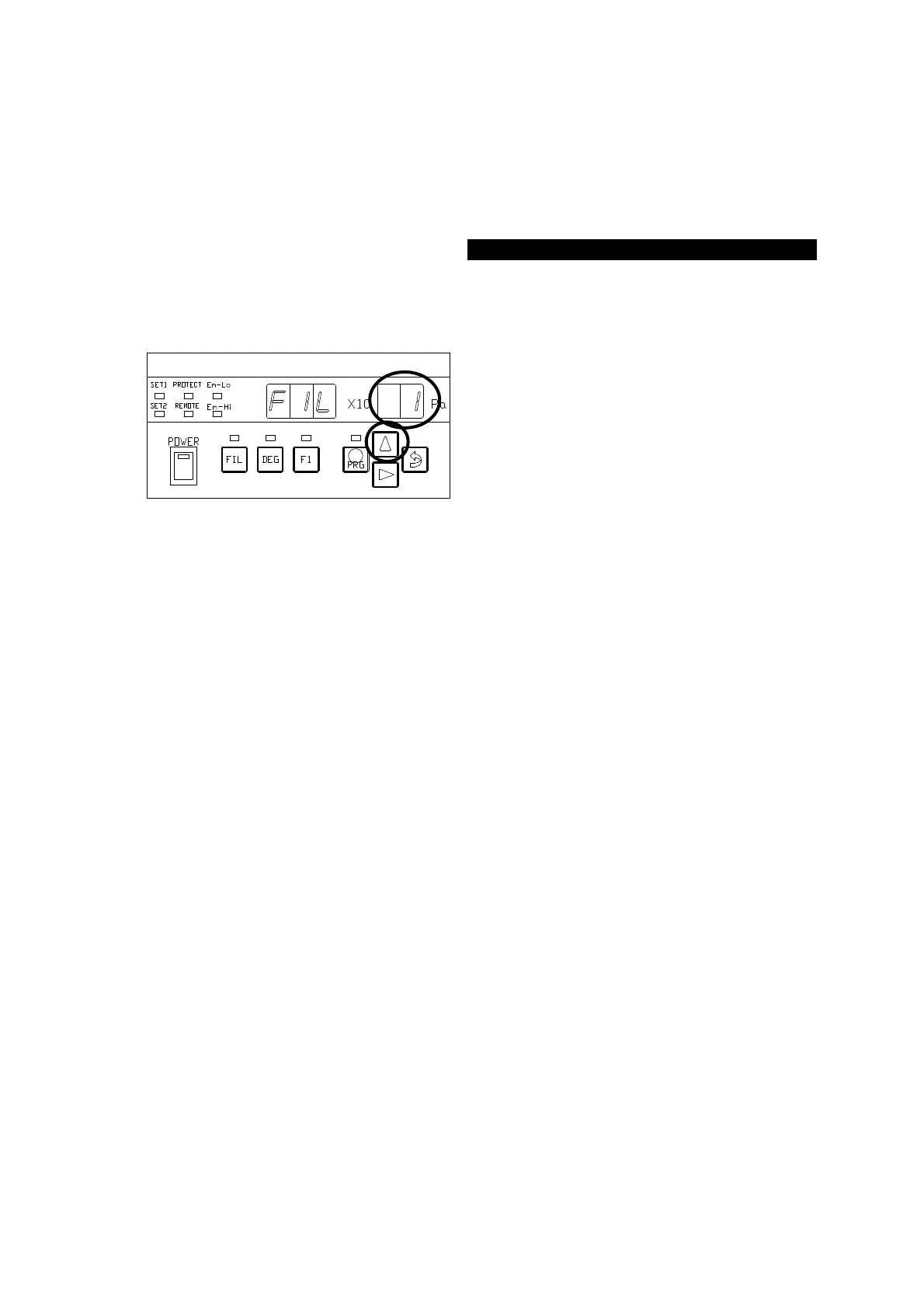
Select filament 1 or 2.
FIL:1 ⇒ Filament 1
FIL:2 ⇒ Filament 2
The ○ portion in the left figure blinks
after the segment indicator displays [
] for about 1 second. Each time
the [∆] key is pressed, the ○ portion of
the segment indicator in the left figure
displays [
] ⇔ [
]
cyclically.
To use filament 1, press the [⇒(ENTER)]
key, with [
] selected, to
transfer control to the REC-① status.
To use filament 2, press the [⇒(ENTER)]
key, with [
] selected, to
transfer control to the REC-② status.



 To Next Page