65
11. HOW TO USE COMMUNICATION (RS-232C)
11.1. Communication Specifications
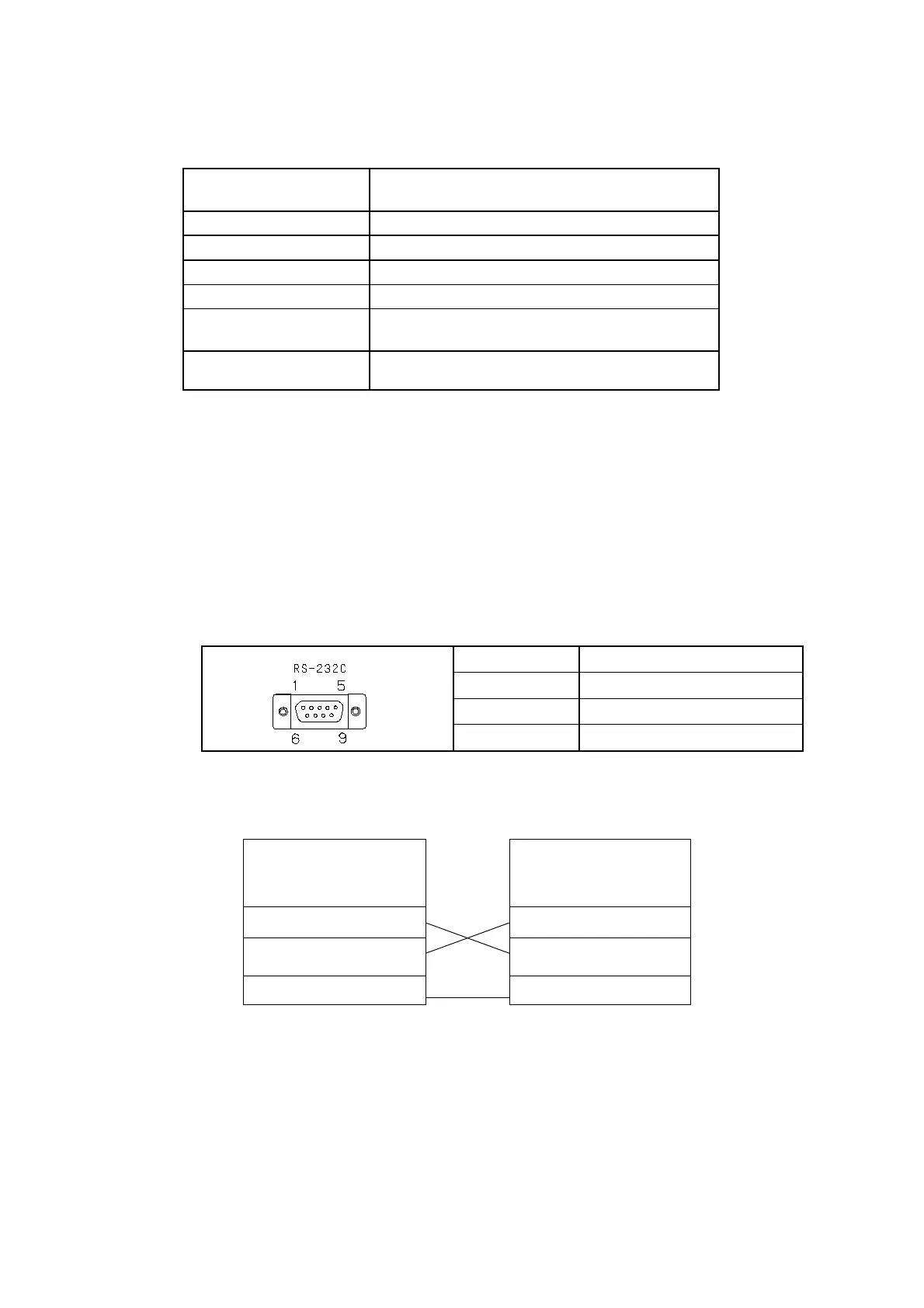
11.1.1. Key specifications
R
15m
The send command terminates with C
R
11.1.2.Baud rate setting
Refer to "8.12 Baud Rate Setting".
It is factory set at 9600 bps.
11.1.3.Communication cable/connector
※ The connector is located on the rear of the gauge.
11.1.3.1.Output signal connector
Output connector : Dsub 9S (female, screw size M2.6)
Signal and assignment: (complies with RS-232C standard)
2
3
5
11.1.3.2.Connecting the communication cable
This gauge does not come with the RS-232C communication cable.
Use a commercially available RS-232C cable (cross type).
side
GI-M2 side
Pin No.
2
2
3 3
5
11.2.Send Command Format
“Command”+“parameter”+C
R
(Terminal)
The parameter of the movement explanation inside of the next clause shows the following.
- : No set point (No send data)
XX
: Arbitrary set point
Send back when state setting and the establishment of the value succeeded,“OK”, it failed
in “NG”.



 To Next Page