5.CALIBRATION
40
• Actual Load Calibration
If a calibration error display appears, take a proper action according to the error,
then perform calibration again.
…Output of the strain gauge sensor does not reach the span
adjustment range.
Confirm whether an actual load is put on the strain gauge
sensor. Calibration may not be performed without load
…Output of the strain gauge sensor is on the minus side.
Check to see if the +SIG and -SIG wiring if the sensor is
reversed.
On completion of calibration, turn on the calibration LOCK.
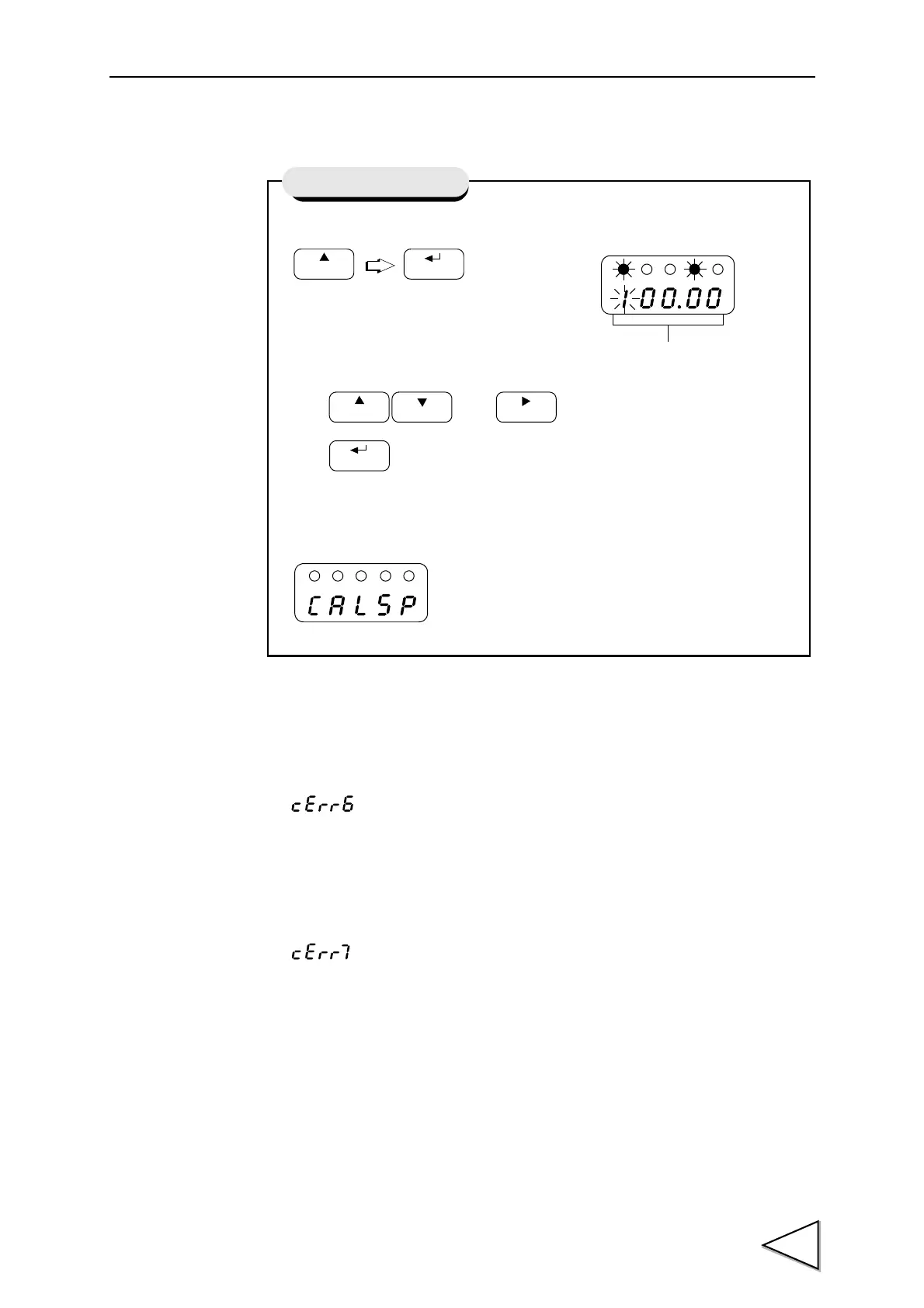
1) Apply an actual load to the sensor and set the actual load value.
Use and keys to set the actual load value,
then key to validate the setting.
If the indicated value following the display CALSP
is Actual Load, the Actual Load calibration is
terminated.
Actual Load Calibration
Indicated Value of
Actual Load Value



 To Next Page