Introduction Give us your thoughts:
Ver-Mac 2016 V-Touch Controller User Manual, V3.0 1
1 Introduction
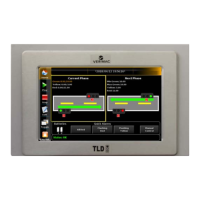
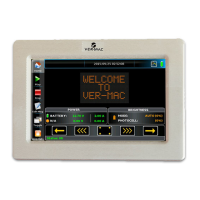
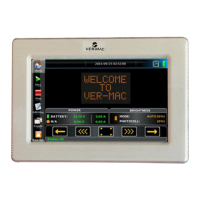
The Touchscreen Controller is a compact microcomputer with a 7 inch LCD touchscreen. It
allows you to program messages for display and to carry out diagnostics and maintenance
checks on Portable Changeable Message Sign (PCMS) units.
The Touchscreen Controller comes with a library of over 100 pre-defined messages and 30
plus graphic images. A QuickPick bank of the most frequently used images is accessible from
the Home Window.
The Touchscreen Controller has multiple language capabilities. The on-screen keyboard and
fonts can be easily and rapidly adapted to input text (complete with accents) for PCMS
messages in different languages. These include Arabic and Hindi. However the interface is
available only in English, French and Spanish at present.
The information within this manual applies to version 2.49 of the Touchscreen
controller.
1.1 Using a Touchscreen
Tap the icons on the screen with your fingertip or use a soft stylus-like instrument like
the eraser tip of a lead pencil to activate the functions of the Touchscreen Controller.
Never use sharp pointed plastic, and certainly not a metal object.
Remove any smudges and fingerprints with a soft cloth.
If there is no touchscreen activity for approximately 5 minutes, the Touchscreen
Controller goes into sleep mode to conserve power and restore Password security
To continue to use the unit, touch anywhere on the screen and log in again.


 To Next Page