Chapter 10 File management
Directories & Files editing functions
88 User Manual 79000000203 Rev. 005
Directories & Files editing functions
Copy/Cut & Paste files/directories
To copy (cut) one or several files, or one directory, and paste them in
another place:
1 Select the directory / the file(s) (see “Directories and Files selections”
on page 86).
2 Press Edit menu key
3 Press Copy to keep the directory / file(s) to their initial location.
or
Press Cut to delete the directory / file(s) from their initial location
4 On the left of the screen, select the directory; or select the new
storage media.
5 Click on Paste menu key.
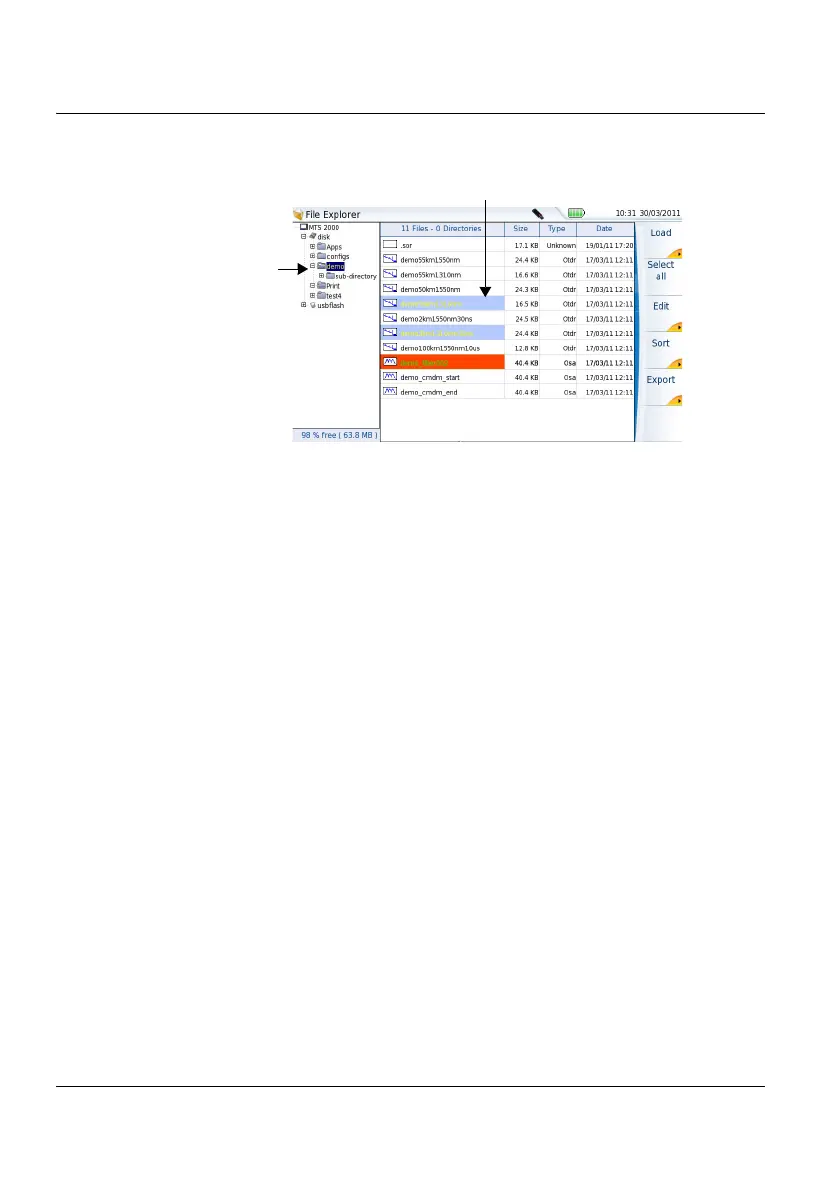
Figure 38 Example of files selection
Selected files
Selected
directory











 To Next Page