Chapter 4 Configuring the 2000 Platform
Displaying the System Settings screen
26 User Manual 79000000203 Rev. 005
Displaying the System Settings screen
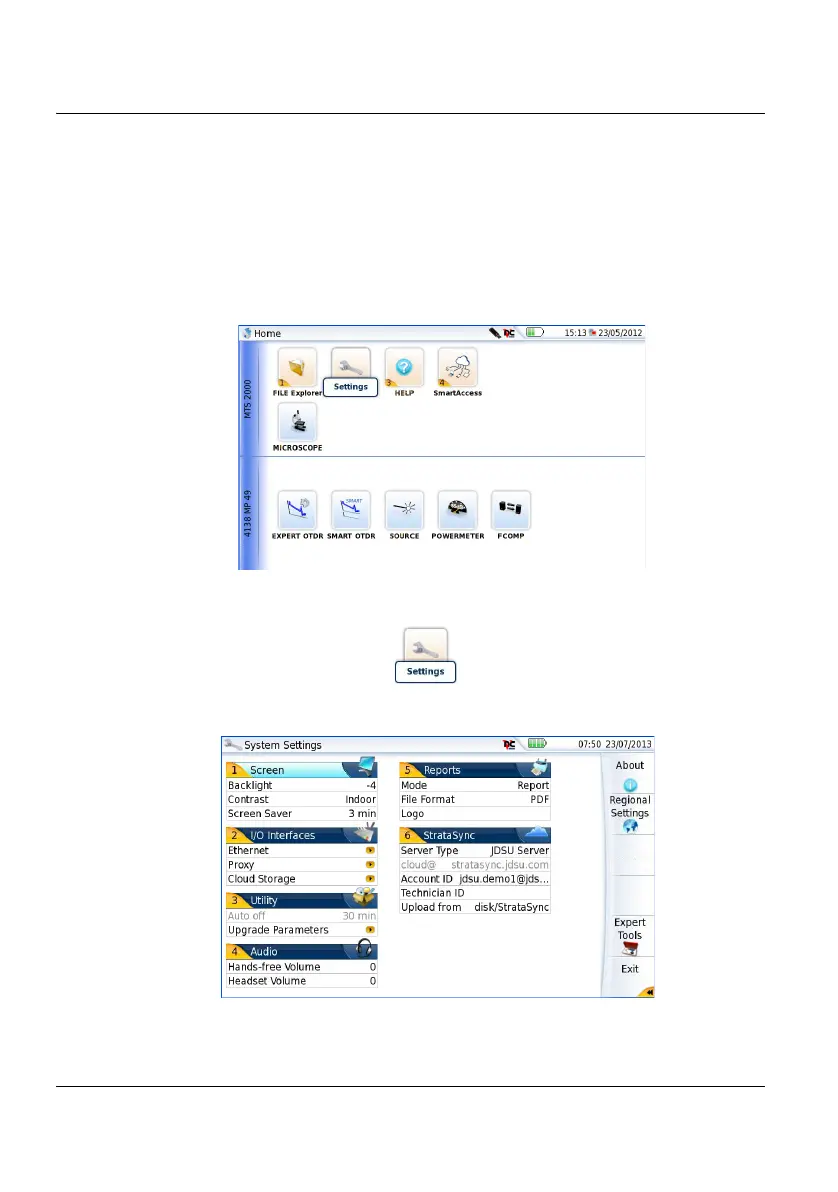
To display the System Settings screen, you must:
1 Press the H
OME hard key to reach the Home page.
2 Activate the Settings icon to open the System Settings
screen.
Figure 9 Home page
Figure 10 System Settings page











 To Next Page