Chapter 6 Scope
Configuring the P5000i Scope
54 User Manual 79000000203 Rev. 005
2 On the explorer, select the file which will be used as profile (icon ;
extension: .PRO)
3 Press Load.
Once loaded, the display goes back automatically to Setup screen.
4 Select the profile just loaded.
Removing a profile
1 In the Profile list, select the profile to be deleted.
2 Press Remove key, then Exit.
About page
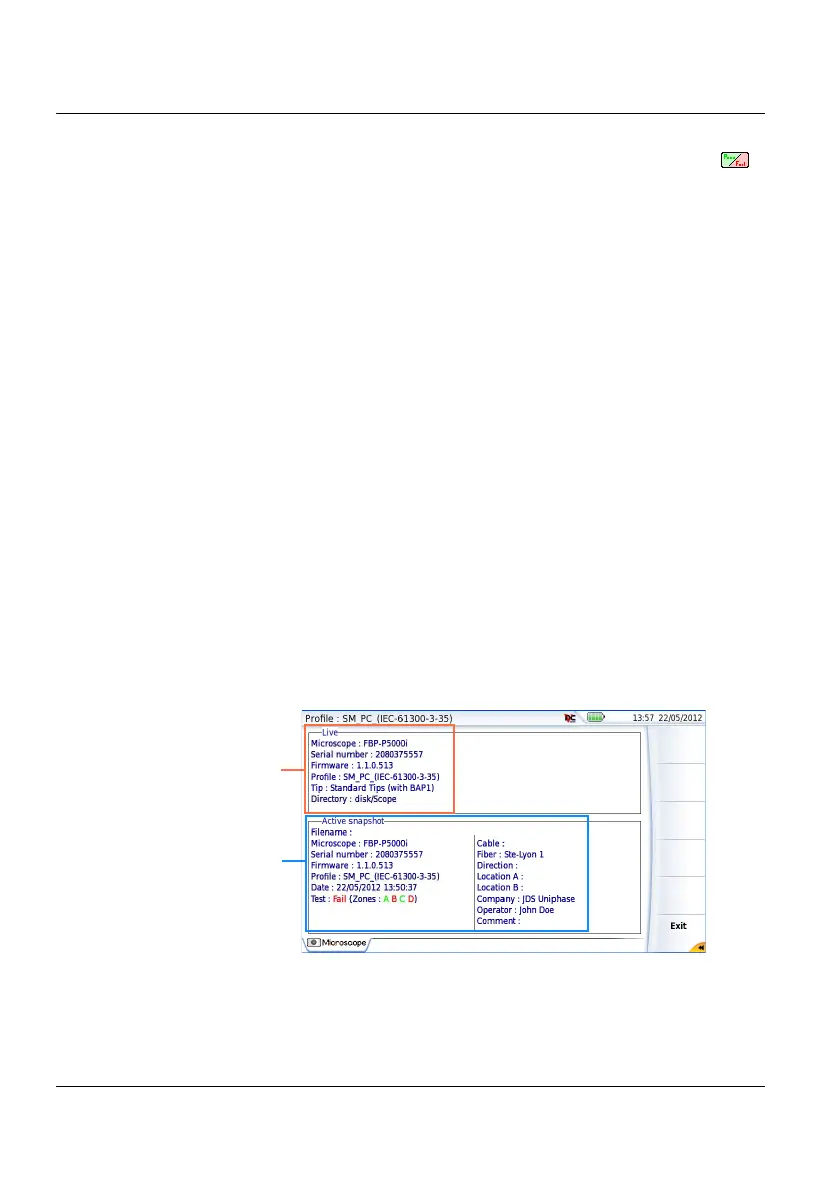
On the Setup screen, the softkey About, on the right of the screen, allows
to display information on scope and current test result displayed (in Full
Screen mode or mosaic mode - see “Mosaic Mode” on page 59).
1 Press About softkey to display a page as the following one:
Figure 19 P5000i Scope: About page
Information on
scope used
Information on
active snapshot











 To Next Page