Chapter 16 Maintenance and Troubleshooting
Maintenance procedure
170 User Manual 79000000203 Rev. 005
1 On the Home page, validate Settings icon to reach the System
Settings page.
2 On the right menu keys, press About to display the presentation
screen of the 2000 Platform.
General page
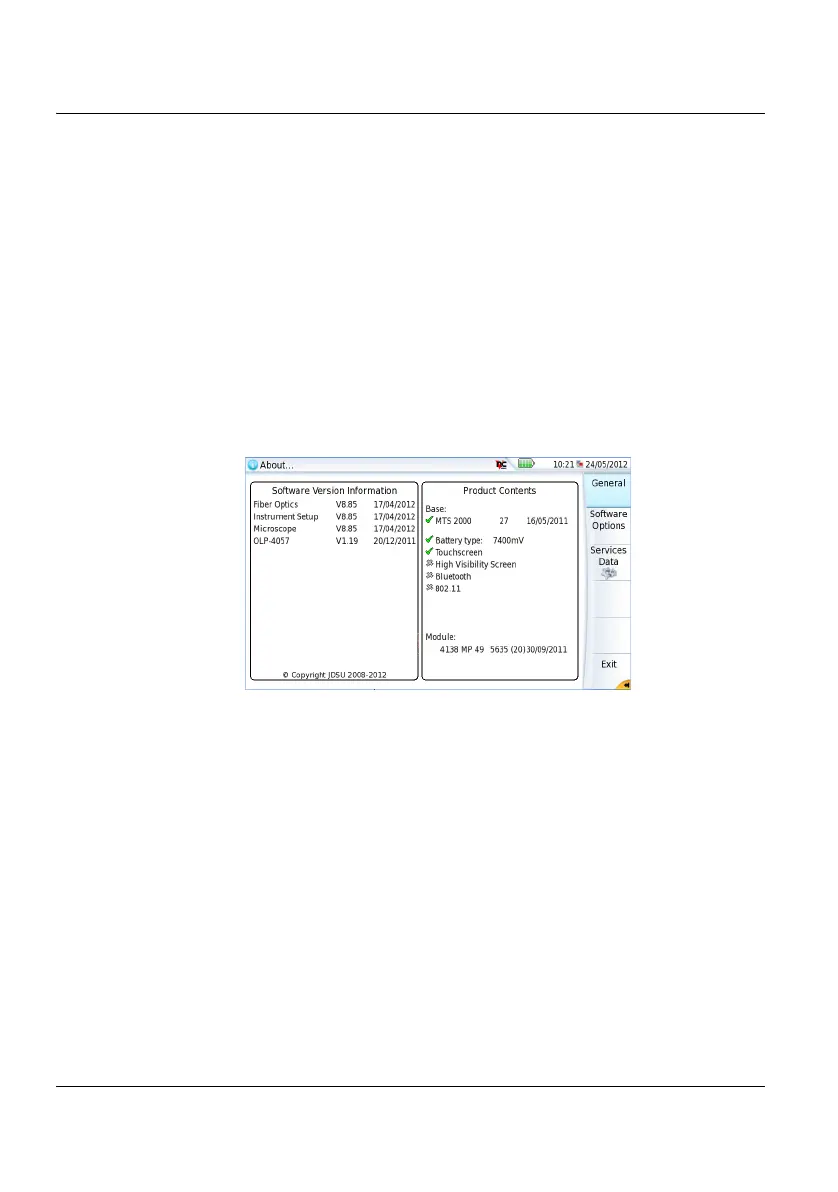
The General page is displayed by default, and allows to display the presen-
tation screen, with all the information concerning the software versions, the
hardware options and the module installed.
This page shows:
• The software version information
• The product contents: base, optical options, battery type, touch-
screen used, module installed and date of calibration for options .
The options set into the 2000 Platform are marked with a green tick.
Software options page
This page allows to visualize the software options available on the 2000
Platform
.
Figure 87 General page











 To Next Page