Chapter 5 Power meter, VFL (Visual Fault Locator) & Talkset
Using the Power meter
User Manual 79000000203 Rev. 005 33
The effect of this action will to be to bring the power meter into use
and to display the Results page for Power Meter.
Configuring the power meter
Configuring measurement parameters
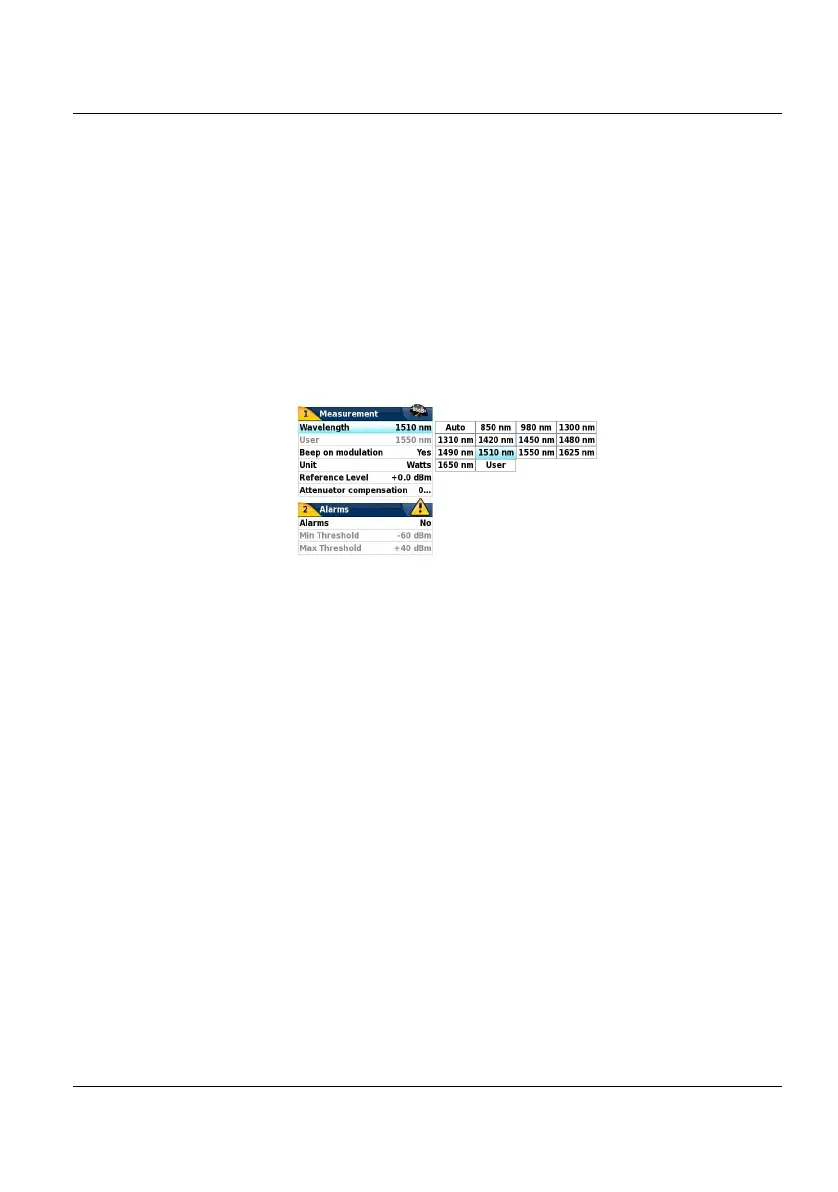
The measurement parameters can be accessed with the SETUP key.
Wavelength Selecting wavelength:
- Auto: the wavelength of the input signal will be
automatically detected and selected to perform the
measurement:
850, 980, 1300, 1310, 1420, 1450, 1480, 1490, 1510,
1550 or 1625 nm: measurement performed at
specified wavelength.
- User: choice of wavelength on the next line
User choice (if the User option was selected in the Lambda line)
enter the wavelength between 800 and 1650 nm,
using the numeric keypad, displayed via the Edit
Value key.
Beep on Modulation
Select if a sound must be heard when a modulation
occurs (Yes / No)
Unit Unit of power displayed:
Figure 13 Configuration of power measurement











 To Next Page