Chapter 7 Transferring the 2000 Platform Interface
Equivalence between the keyboard and 2000 Platform
User Manual 79000000203 Rev. 005 71
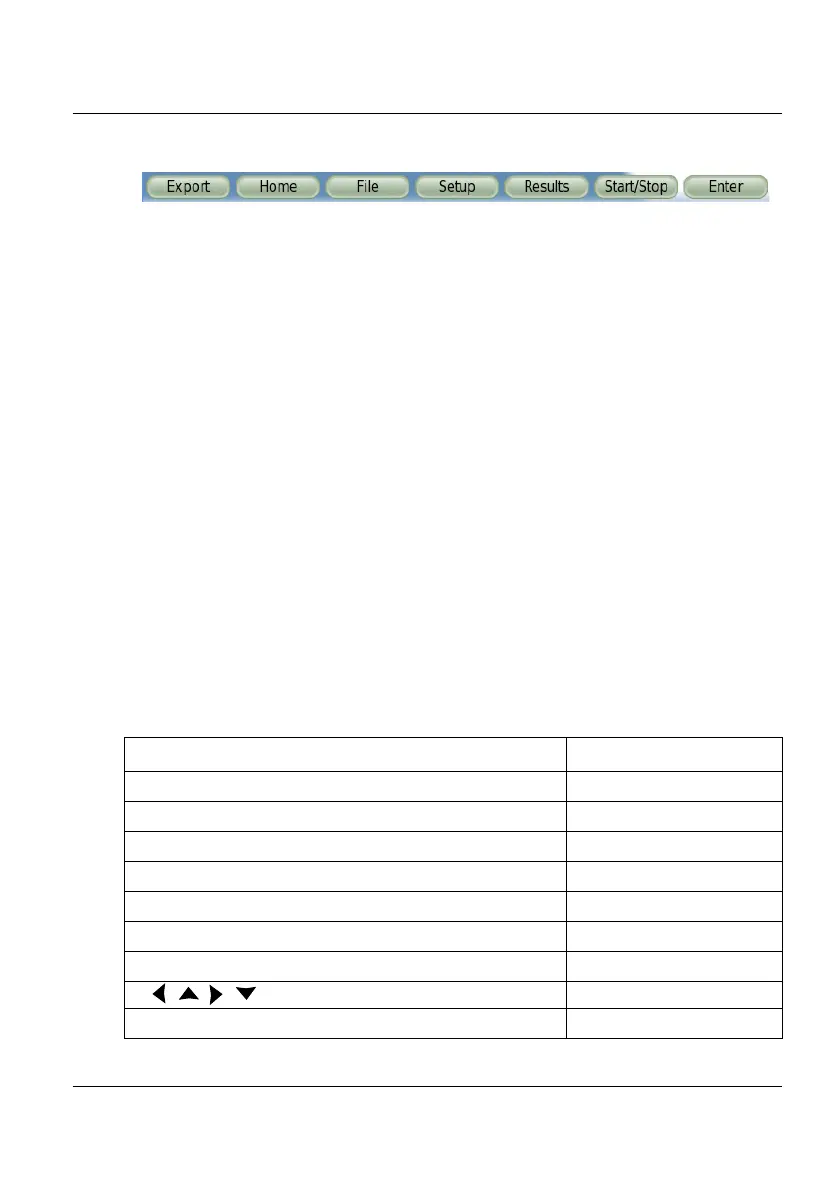
The virtual control buttons bar is displayed during a few seconds. You may
click on any of these buttons to obtain exactly the same results than using
the hard keys on the front panel of the 2000 Platform.
Equivalence between the keyboard and
2000 Platform
The PC keyboard can replaced all the buttons and keys of the 2000 Plat-
form except the
ON/OFF button:
• The menu keys to the right of the screen are replaced by the function
keys
F1 to F6.
• The buttons below the screen are equivalent to Ctrl + a letter (see
table below).
• The direction keys have the same function on the external keyboard
and on the 2000 Platform.
Figure 27 Virtual control buttons bar
Function on the 2000 Platform External keyboard
HOME Ctrl + H
SYSTEM SETTINGS F12
SET-UP Ctrl + U
FILE Ctrl + F
RESULTS Ctrl + R
START/STOP Ctrl + S
EXPORT Ctrl + P
a
← ↑ → ↓
Menu keys 1 to 6 (from top to bottom) F1 → F6











 To Next Page