Chapter 16 Maintenance and Troubleshooting
Maintenance procedure
User Manual 79000000203 Rev. 005 183
3 In the File Explorer, select the USB stick, then the license file (.lic) to
be imported,
4 Click on Load > Confirm
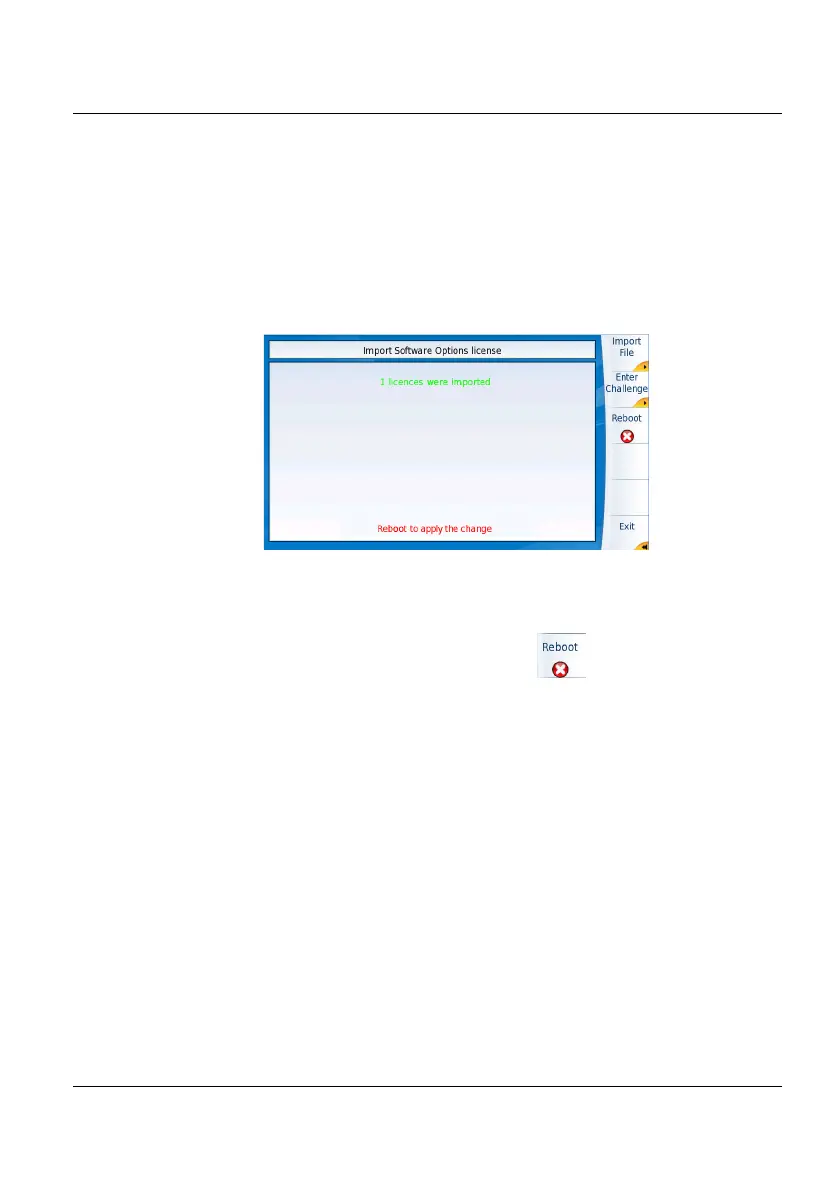
5 The challenge codes contained in this file will then be loaded auto-
matically and your software options will be installed.
6 At the end of this sequence you will be asked to reboot the unit to
apply the modifications, pushing the key .
7 Confirm the reboot
Locking the 2000 Platform
The 2000 Platform can be locked at any time:
1 In the
HOME page, click on Expert Tools
2 Click on Instrument Lock Out
3 Confirm the 2000 Platform locking by clicking on Confirm (or use the
Cancel key to cancel the process).
The numeric keypad is displayed
4 Enter the password to lock the instrument: 42000 with the numeric
keypad displayed.
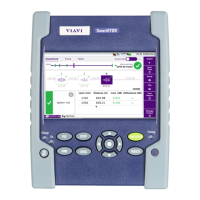
Figure 97 License imported





 To Next Page