Chapter 16 Maintenance and Troubleshooting
Troubleshooting
User Manual 79000000203 Rev. 005 189
Touchscreen calibration
If you meet problems when using the touchscreen (example: pressing on
an icon does not work correctly...) a calibration can be performed on the
2000 Platform touchscreen.
To calibrate the touchscreen, proceed as follows:
1 Push the
HOME button
2 Press twice the Settings icon to open the System Settings page.
3 Press Expert Tools menu key
4 Press Touchscreen Calibration key
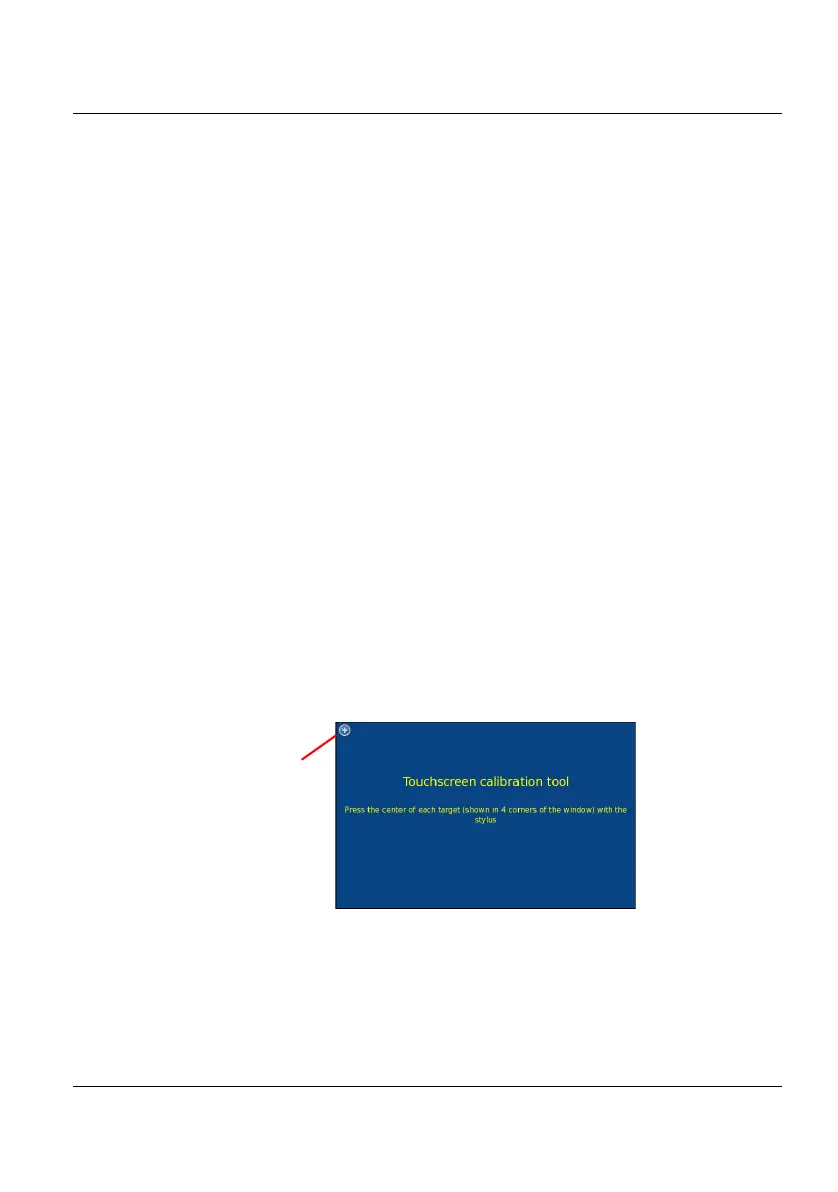
A blue slightly smaller screen appears, displaying a little target on the
left hand corner.
5 Click on this target (preferably with the touchscreen pen).
6 A new target appears then and again, for a total of 4 times, in order to
click on all corners of the screen.
If all the targets are not correctly touched, the touchscreen cannot be used.
Otherwise, the touchscreen may be used directly.
Figure 100 Touchscreen calibration











 To Next Page