Chapter 11 Smart Access Anywhere
Using Remote screen and File Transfer applications
User Manual 79000000203 Rev. 005 125
• The menu keys to the right of the screen are replaced by the function
keys
F1 to F6.
• The buttons below the screen are equivalent to Ctrl + a letter (see
table below).
• The direction keys have the same function on the external keyboard
and on the 2000 Platform.
Transferring files
To work on files (onto PC and onto unit):
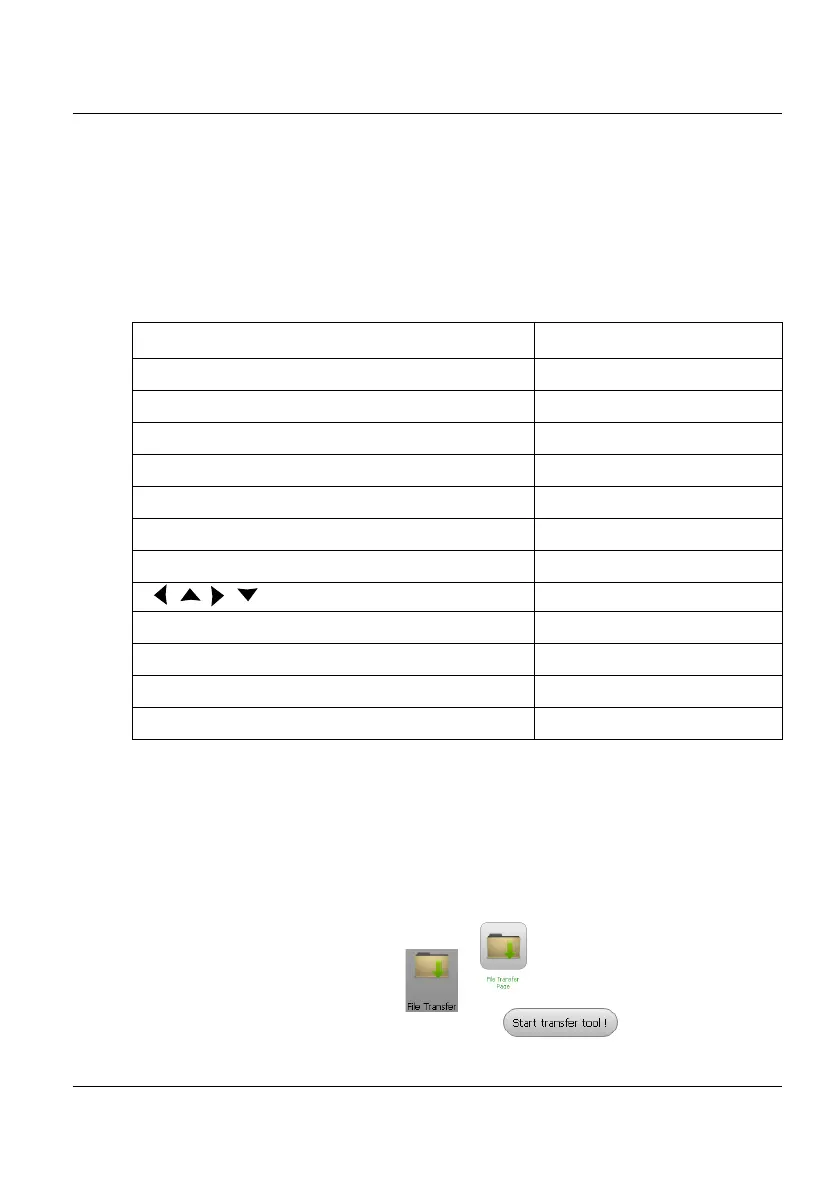
1 On the Introduction page, click on .
or
On the left menu, click on .
2 Click on Start Transfer Tool! button
Function on the 2000 Platform External keyboard
HOME Ctrl + H
SYSTEM SETTINGS F12
SET-UP Ctrl + U
FILE Ctrl + F
RESULTS Ctrl + R
START/STOP Ctrl + S
EXPORT Ctrl + P
a
a. The Export function is available directly on the 2000 Platform pushing simultaneously
the left and right arrow keys.
← ↑ → ↓
Menu keys 1 to 6 (from top to bottom) F1 → F6
ABOUT F11
Save and quit (Exit) Enter
Quit without saving (Abort) Escape











 To Next Page