Chapter 11 Smart Access Anywhere
Using Remote screen and File Transfer applications
User Manual 79000000203 Rev. 005 123
Using Remote screen and File Transfer
applications
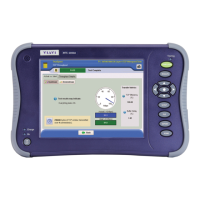
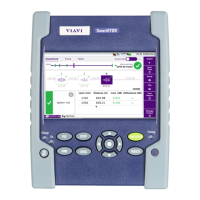
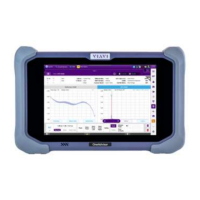
Once the Introduction page is displayed, the user can work on distant T-
BERD/MTS-2000:
• transfer the interface to work on the unit (perform acquisition,
configure the equipment...)
• transfer files from the equipment toward the PC, and vice-versa.
Transferring the interface onto the PC
To display the remote T-BERD/MTS-2000 onto the PC:
1 On the Introduction page, click on
or
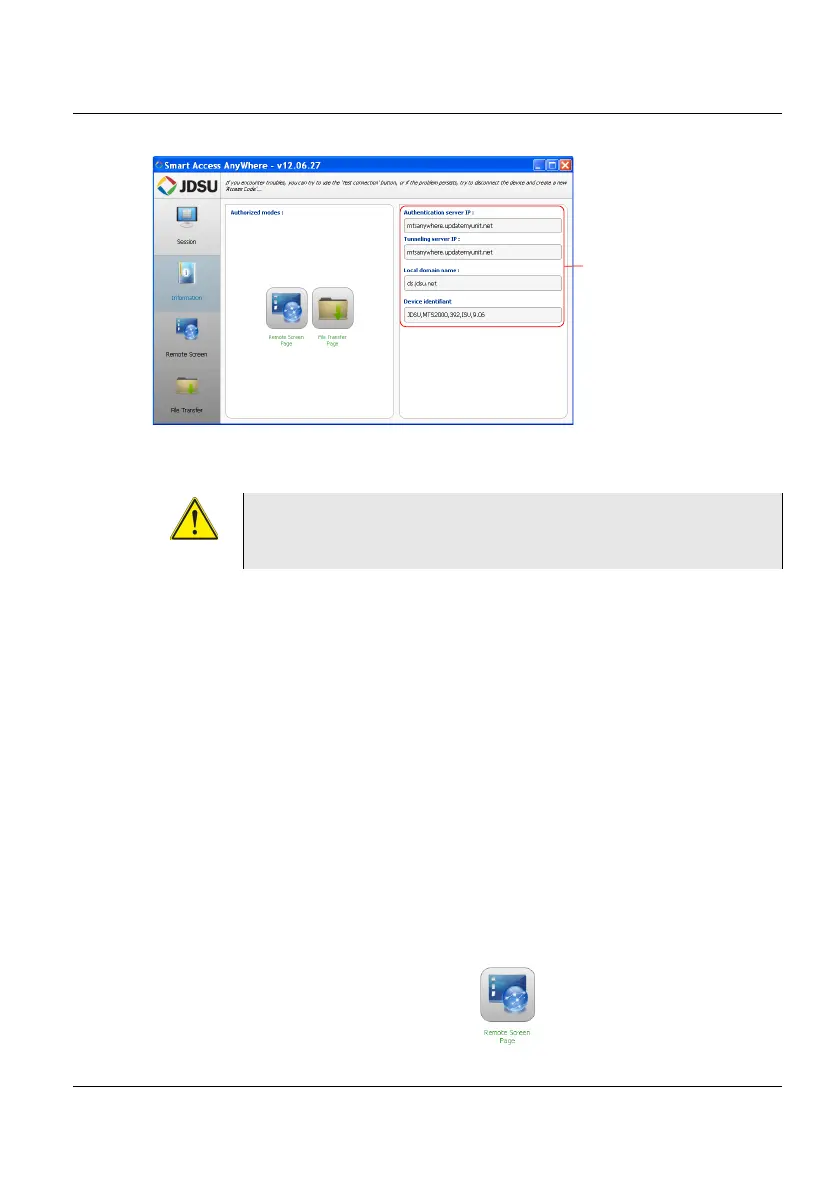
Figure 63 Smart Access Anywhere: Home page
Information on
connection
After remote upgrade or reboot, please wait for more
than 2 minutes before re-starting the link between the
PC and the unit with SmartAccessAnywhere.





 To Next Page