Chapter 6 Scope
Starting up with the scope
User Manual 79000000203 Rev. 005 55
Starting up with the scope
Once the FiberScope icon is validated:
1 Press R
ESULTS hard key
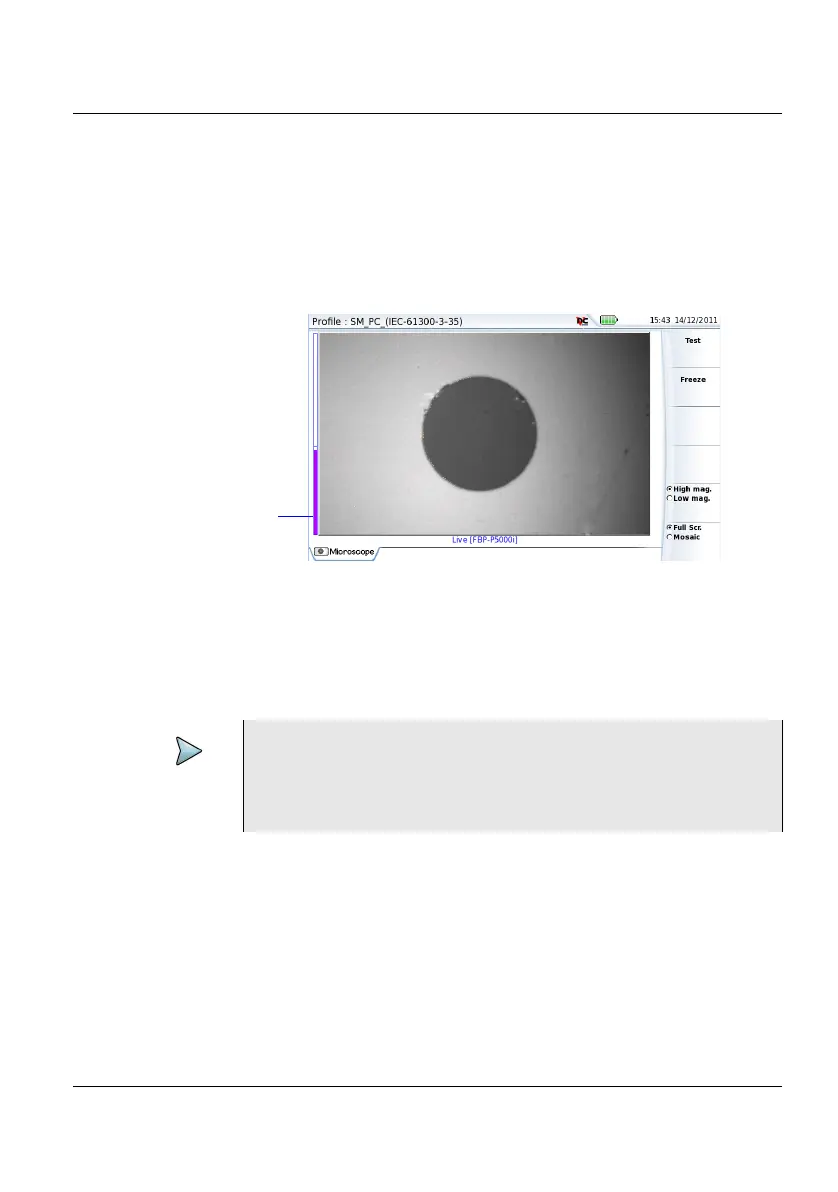
Use the Focus Control button onto the P5000i scope (see Figure 16 on
page 48) to adjust the image quality and sharpness.
Freeze mode
Once the image is acceptable, you may freeze the picture. This feature
allows to store in memory the resulting picture.
Figure 20 Example of the result using the P5000i scope
NOTE
To switch from Scope page to FO results page and vice-
versa, press the
RESULTS hard key for about 2 seconds (a
beep is emitted).











 To Next Page