Chapter 7 Transferring the 2000 Platform Interface
Virtual control buttons bar
70 User Manual 79000000203 Rev. 005
You can use keyboard mouse of the PC to control the 2000 Platform (see
“Equivalence between the keyboard and 2000 Platform” on page 71).
Virtual control buttons bar
It is possible to emulate hard keys with Virtual Control buttons. This virtual
control buttons bar is especially useful when the 2000 Platform screen is
exported on a remote PC.
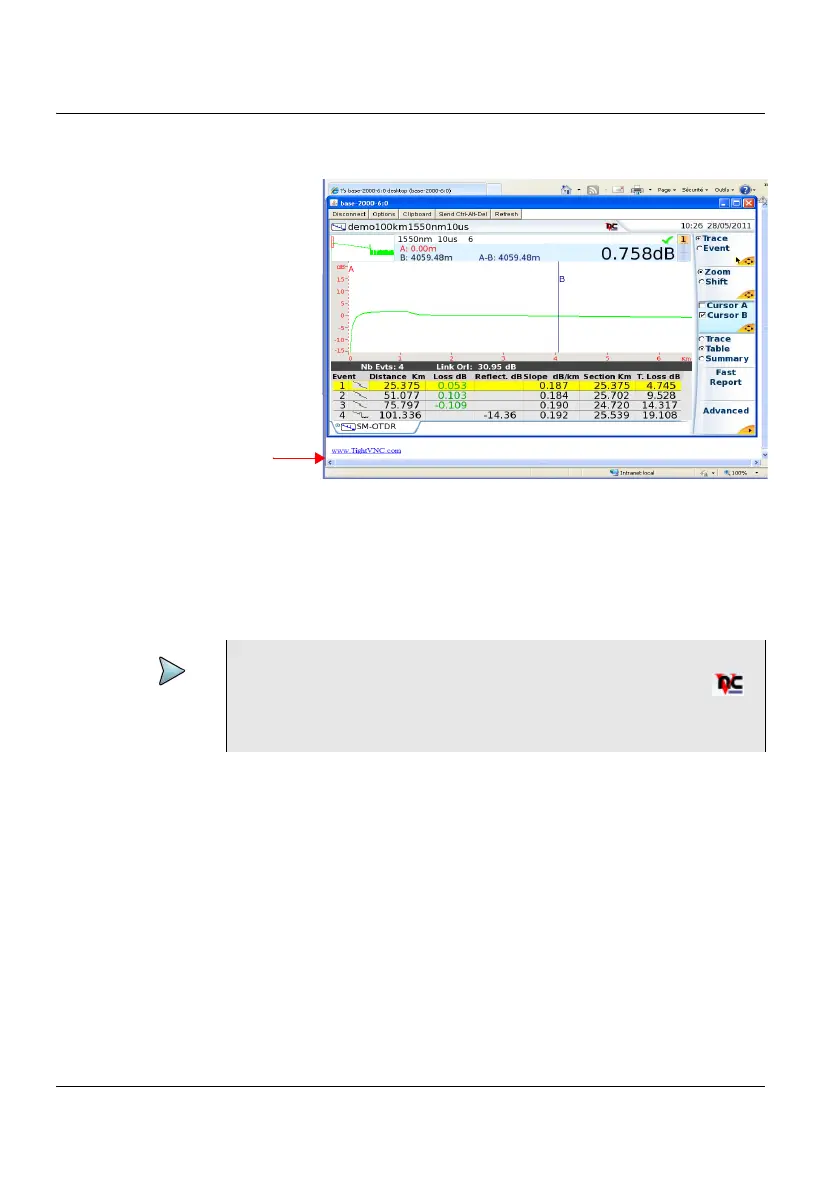
To display those buttons, click once on the top of the screen in the status
bar, at the same height than the date and time.
Figure 26 VNC window
NOTE
Once Remote screen is accessible via VNC, the icon
displays on the upper banner of the screen until the con-
nection is cut or the 2000 Platform is switched off.
Click to install TightVNC soft-
ware on your PC (not manda-
tory)











 To Next Page