Chapter 11 Smart Access Anywhere
Connection information and settings
User Manual 79000000203 Rev. 005 129
2 Click on .
3 In the new dialog box opened, enter a name for
the new directory (newdir is given by default).
4 Press OK to validate.
The new directory is automatically created at the
location selected.
Connection information and settings
Displaying session information
At any time during application use, the information about the session in
progress can be displayed.
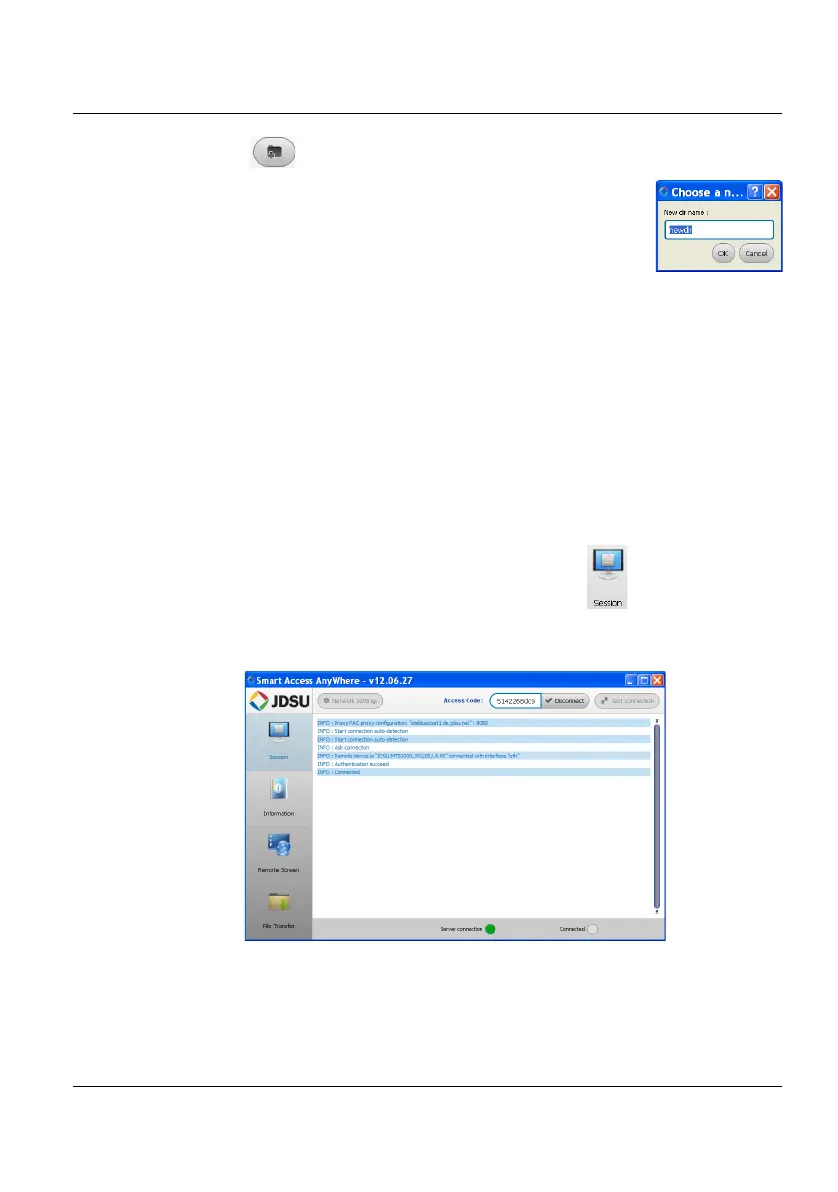
1 Press Session menu key on left of the screen .
A screen as the following one displays:
This page gives information on connection «in real time».
Figure 67 Session page











 To Next Page