Chapter 3 Starting up
Charging the battery
18 User Manual 79000000203 Rev. 005
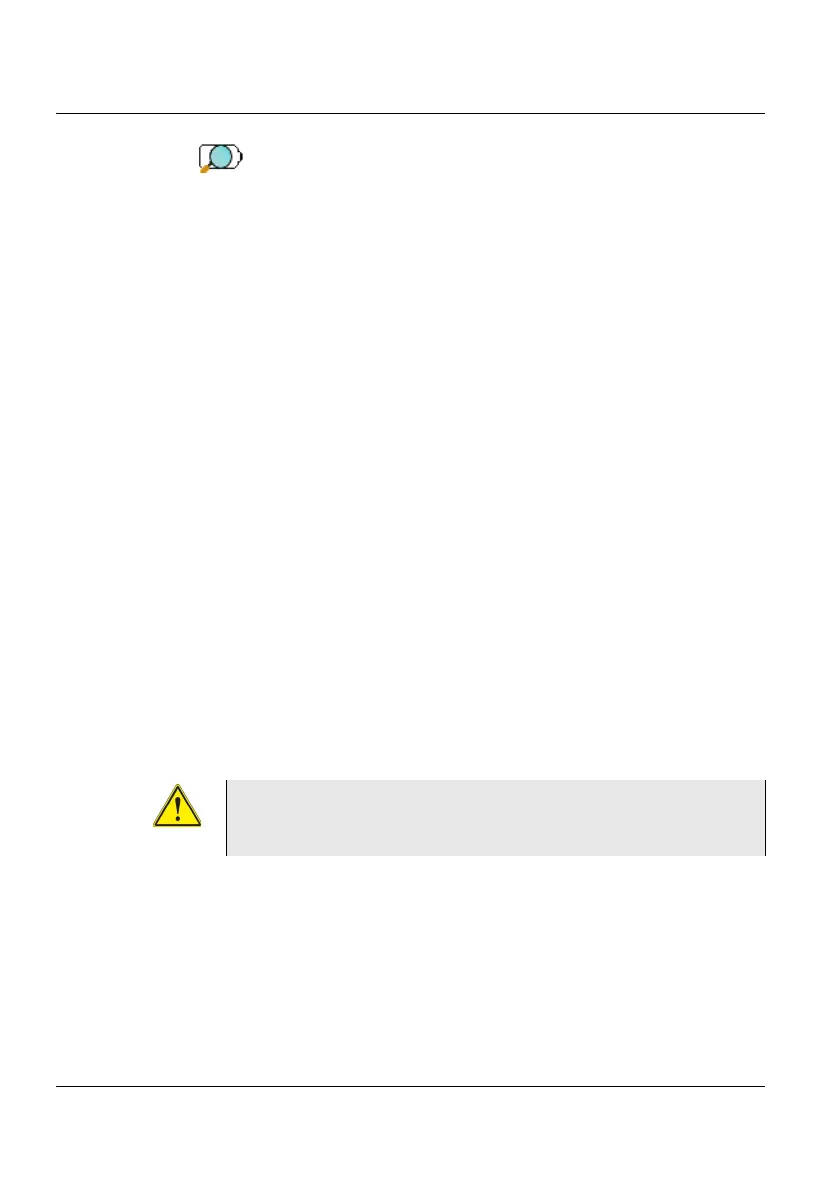
The icon is displayed on the upper banner of the screen.
To get a valid indication of the battery, and be able to use correctly the Plat-
form:
1 Charge fully the battery
2 Once fully charged, discharge the battery by keeping the Platform
switched on, but not plugged to mains.
3 The battery can then be charged, and the Platform used simultane-
ously.
Charging the battery
On connection to the mains:
• if the user does not press
ON, the battery will start the charge. In this
case, the Charge indicator will be lit in red.
• when the user presses the
ON key, the instrument starts up and the
battery will charge during use (Charge indicator in solid red).
Once the battery is fully charged, the Charge indicator is lit in solid green.
When the Charge indicator is blinking red, this mean the power supply is
not compatible with the battery used. Charge is disabled.
Battery charging time
If the battery is completely discharged, the time taken to recharge is:
• approximately 3.5 hours, if the apparatus is not in use (Charge indi-
cator solid red)
It is essential to wait until charging is complete to
ensure maximum independent operating time, which
may otherwise be considerably reduced.











 To Next Page