Chapter 6, Using Vitals Mobile-HC (HC-100 Controller): Vitals Mobile Controller Operation
E.H. Wachs Part No. 79-MAN-04, Rev. I 109
3.
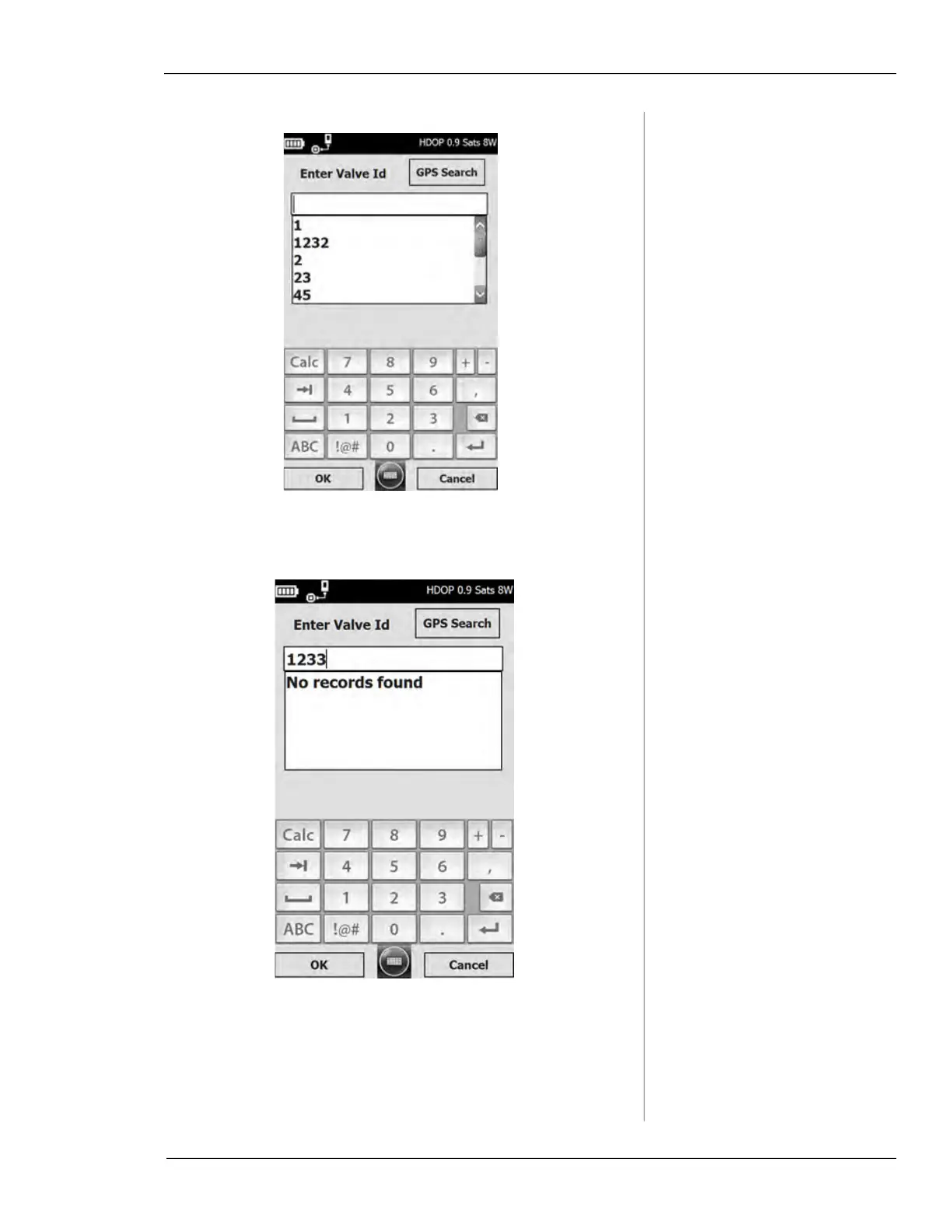
Tap the Tap to select Valve ID button. The Enter Valve ID
screen appears, with a keypad at the bottom.
• Type in the ID of the valve you are exercising. Tap
the
ABC button to enter letters.



 To Next Page