Vitals Reference Manual
110 Part No. 79-MAN-04, Rev. I E.H. Wachs
You can change the GPS
search radius on the Settings
screen. (See the “Changing
Settings” section starting on
page 80.)
• You can tap the GPS Search button to search the data-
base for nearby valves (within a 50-foot radius). See
“Using GPS Search” at the end of this section.
4.
If the ID of the valve is not in the database, the screen
will display
No records found. You can tap the OK but-
ton to create a new valve record with the ID you
typed.
5.
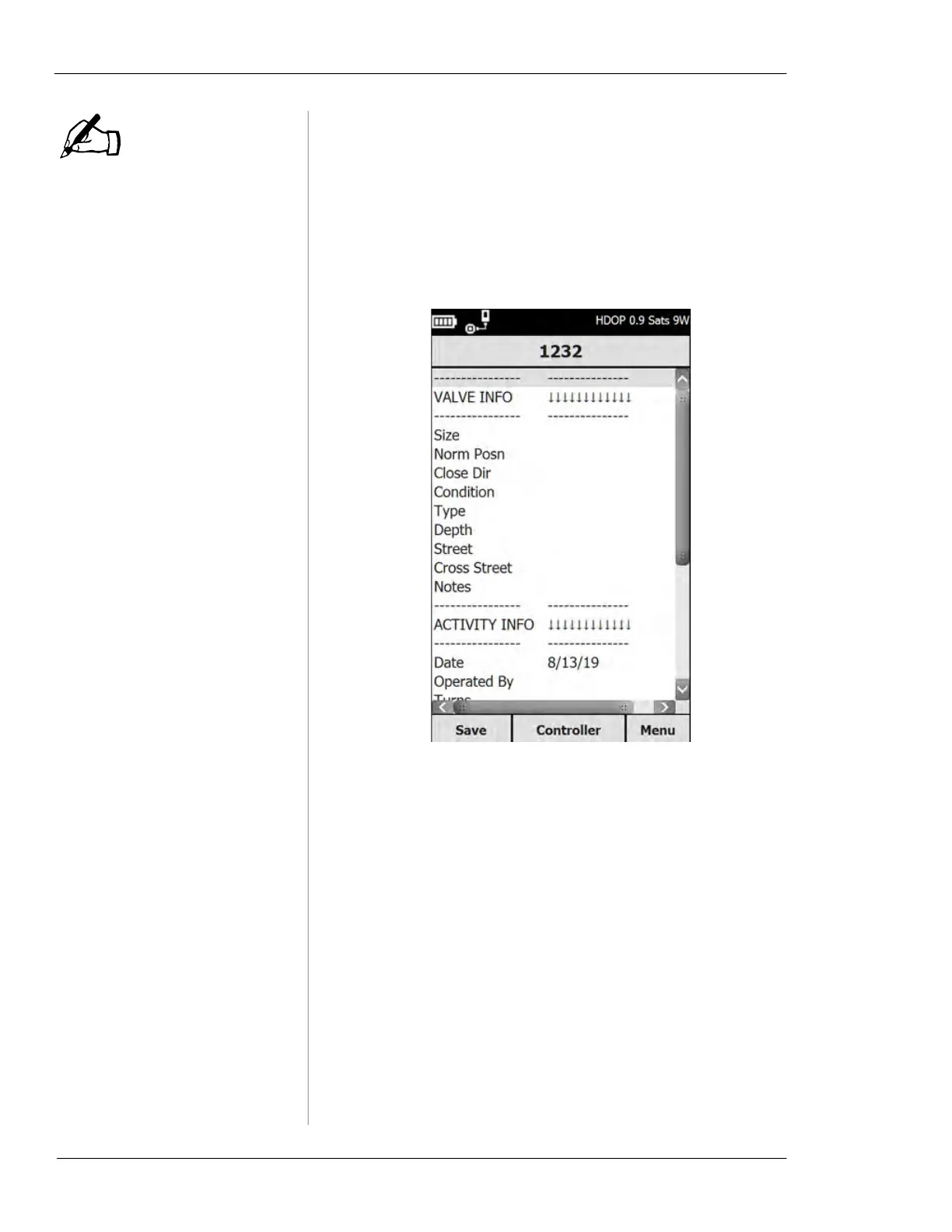
To enter data for any of the fields on the Valve Record
screen, tap the field name. A data entry screen will
appear.
NOTE



 To Next Page