Chapter 6, Using Vitals Mobile-HC (HC-100 Controller): Vitals Mobile Controller Operation
E.H. Wachs Part No. 79-MAN-04, Rev. I 111
Vitals Mobile saves latitude
and longitude data only to
the activity record. It never
changes these values in the
valve record.
6.
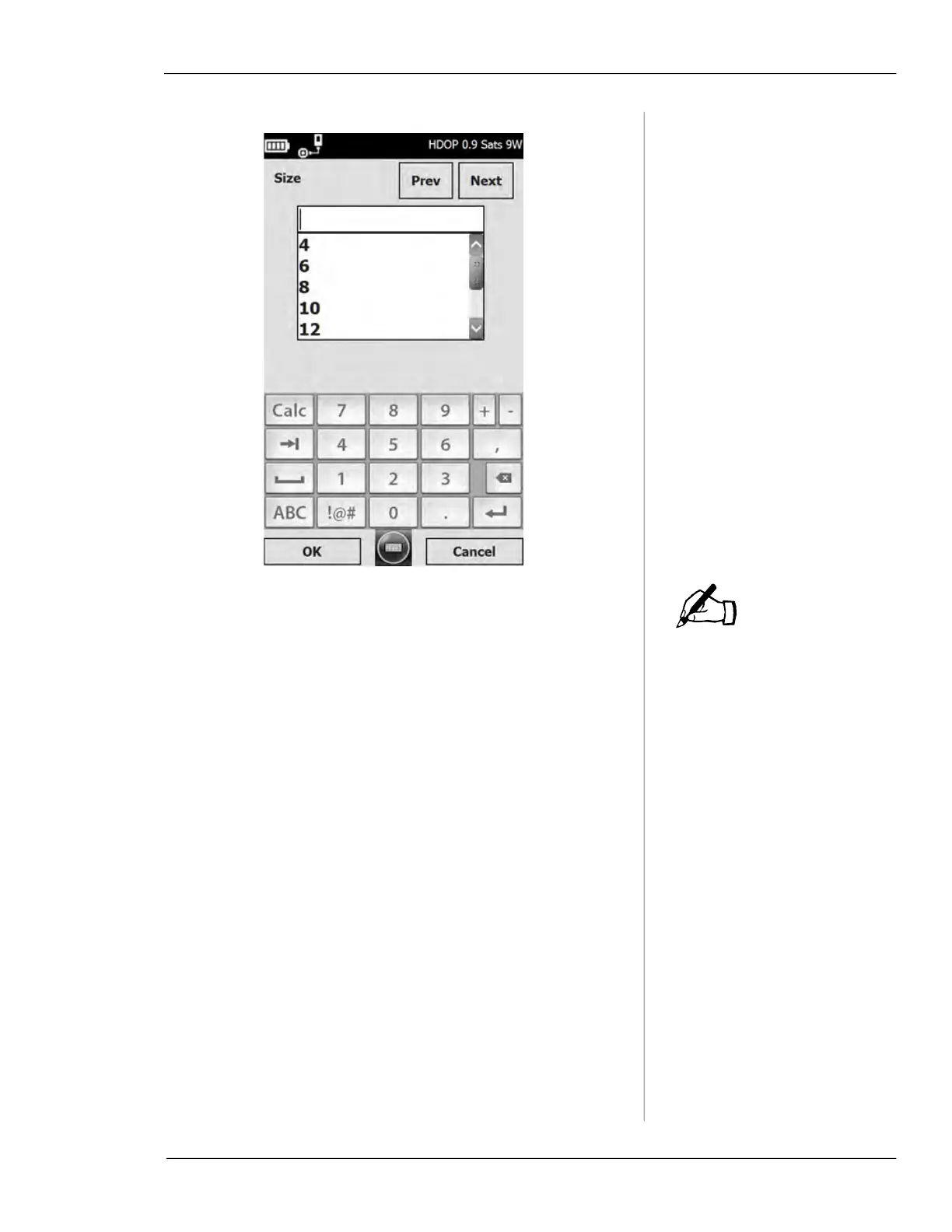
Enter the data and tap the OK button to return to the
Valve Record screen. To continue to the next or previ-
ous field, tap the
Next or Prev button.
7.
When you have the GPS receiver enabled, the GPS
device will automatically log coordinates and the
Lati-
tude
, Longitude, and GPS Positions fields will be added
to the activity record. (These values are averaged over
the duration of the activity to improve accuracy.)
8.
Tap Controller to enter the Vitals Controller screen.
Tap
Menu to view valve history specific to that valve,
delete the valve activity, or open the options screen.
9.
After entering information for a new valve activity
and tapping the
Controller button, operate the valve
exerciser as described in section “Vitals Controller
Operation”.
10.
After the activity is complete, click the Back button on
the Vitals controller screen, then click
Save to save the
activity record data.
NOTE



 To Next Page