Vitals Reference Manual
150 Part No. 79-MAN-04, Rev. I E.H. Wachs
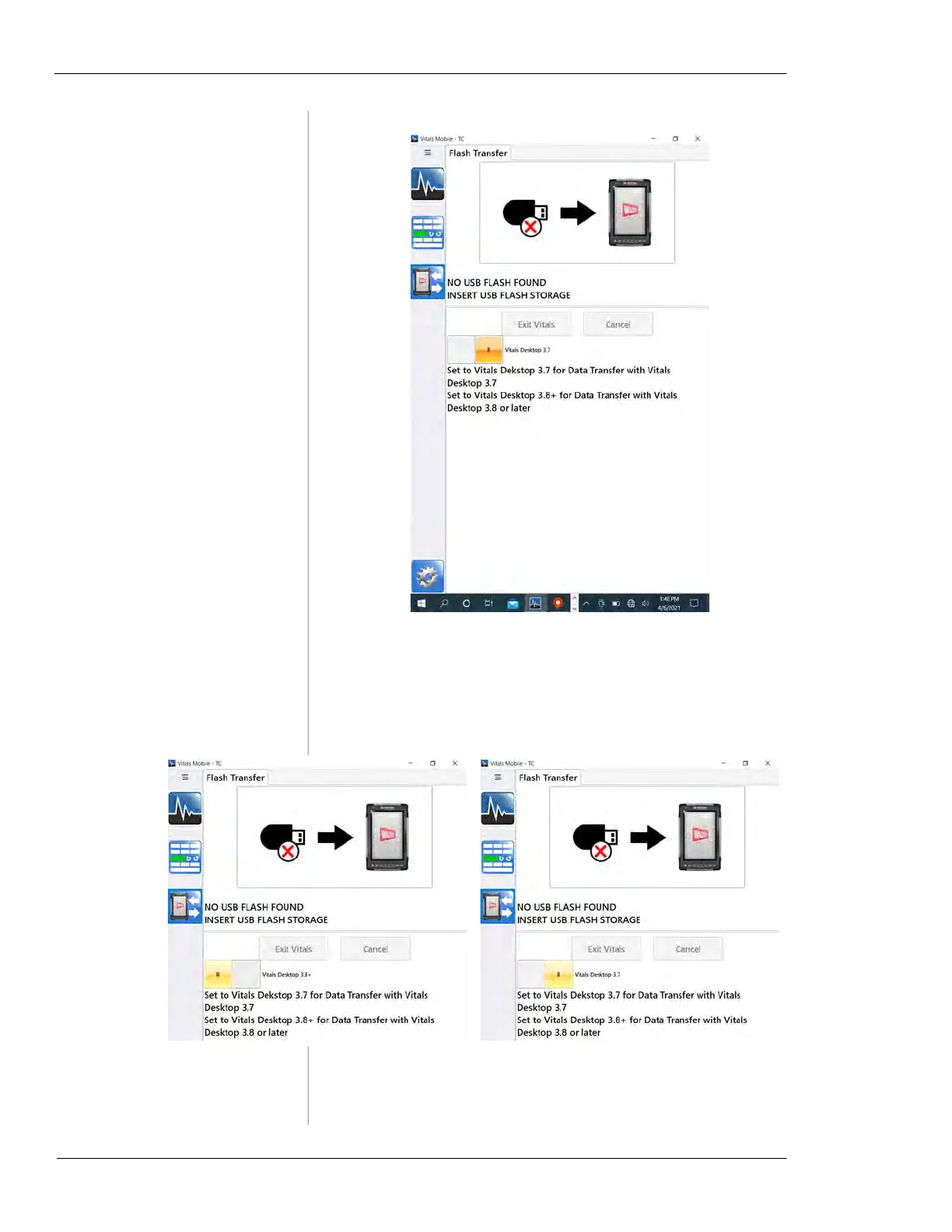
Figure 7-18. Tap the Flash Transfer icon to bring up
the transfer screen.
2.
Tap the version switch to set it for the version of
Vitals Desktop you have on your database PC.
Figure 7-19. Select your Vitals Desktop version by
tapping the version switch.



 To Next Page