Chapter 7, Using Vitals Desktop: Transferring Data Between Vitals Desktop and Vitals Mobile
E.H. Wachs Part No. 79-MAN-04, Rev. I 151
3.
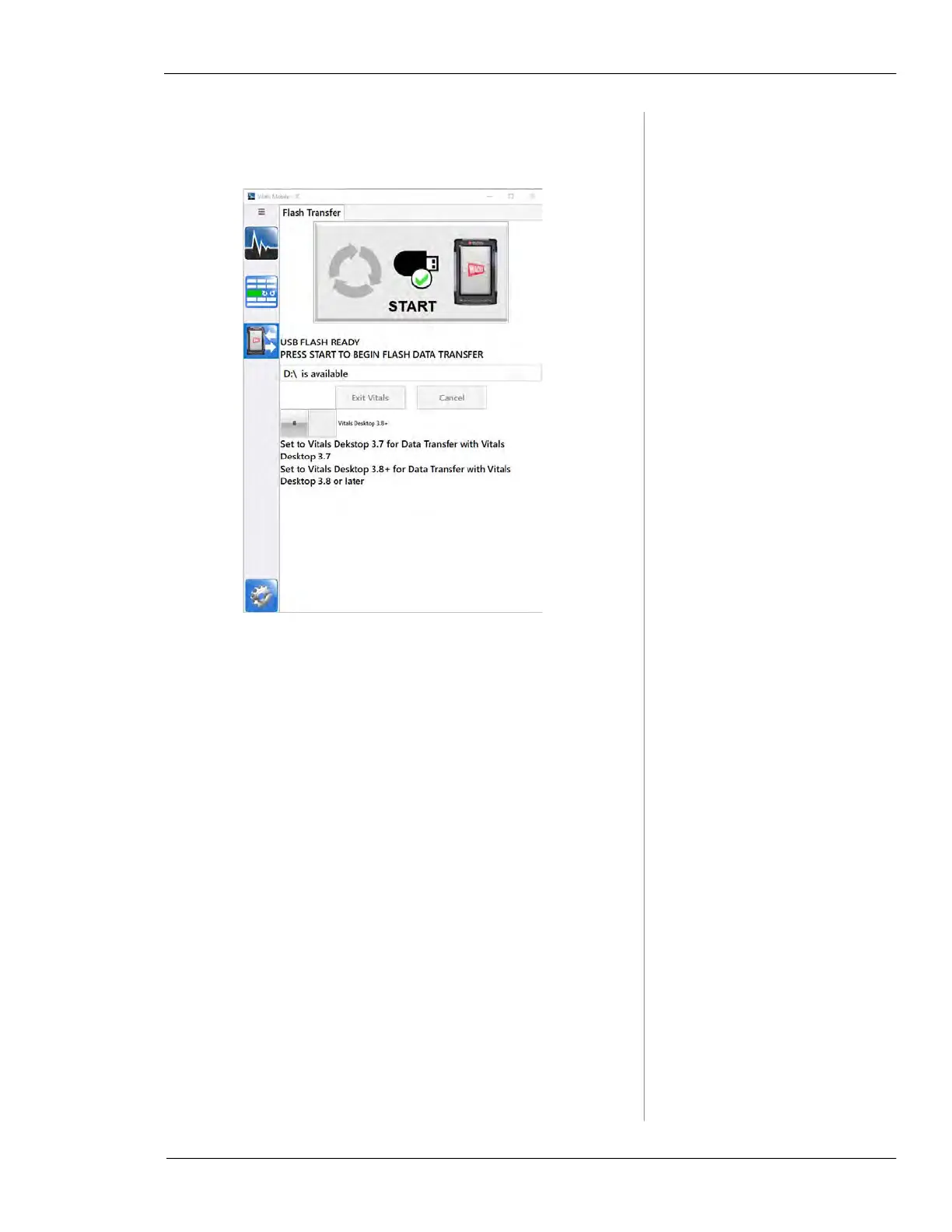
Insert a USB flash drive into the port on the bottom of
the TC-100. The Start button appears on the screen.
Figure 7-20. Tap Start when you see the USB Flash
Ready message.
4.
Tap the Start button. The screen will say Copying, then
the
Files Copied message appears.



 To Next Page