Chapter 7, Using Vitals Desktop: Transferring Data Between Vitals Desktop and Vitals Mobile
E.H. Wachs Part No. 79-MAN-04, Rev. I 153
5.
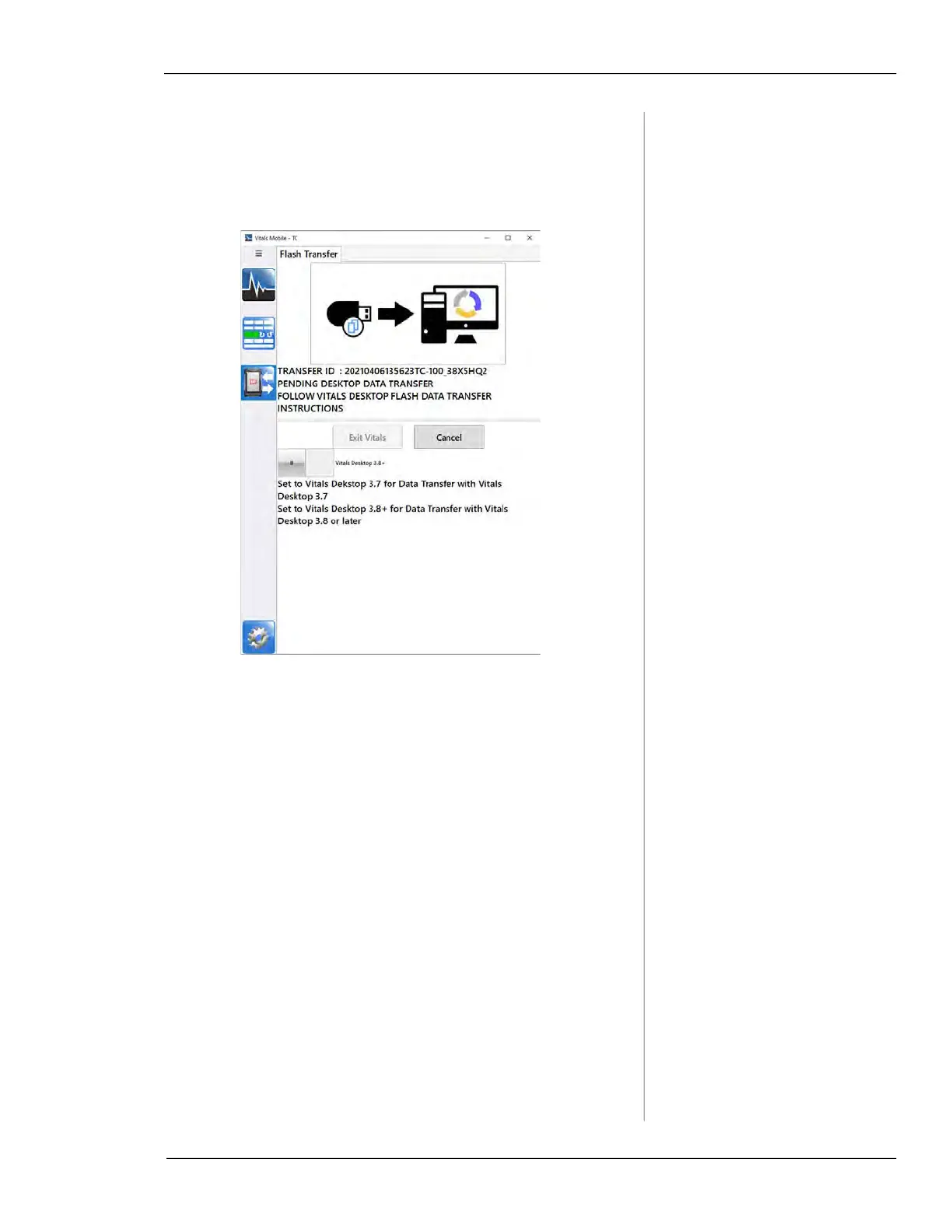
Remove the flash drive. A Pending Desktop Data Trans-
fer
message appears. (You will transfer the updated
database back to the controller at the end of this proce-
dure.)
Figure 7-22. Pending Desktop transfer status.
6.
Insert the flash drive into the Vitals Desktop com-
puter.
7.
Open Vitals Desktop and click the Data Transfer but-
ton. Select
Flash Transfer from the Connect To drop-
down menu. The screen will display a series of
START
messages.



 To Next Page