Vitals Reference Manual
154 Part No. 79-MAN-04, Rev. I E.H. Wachs
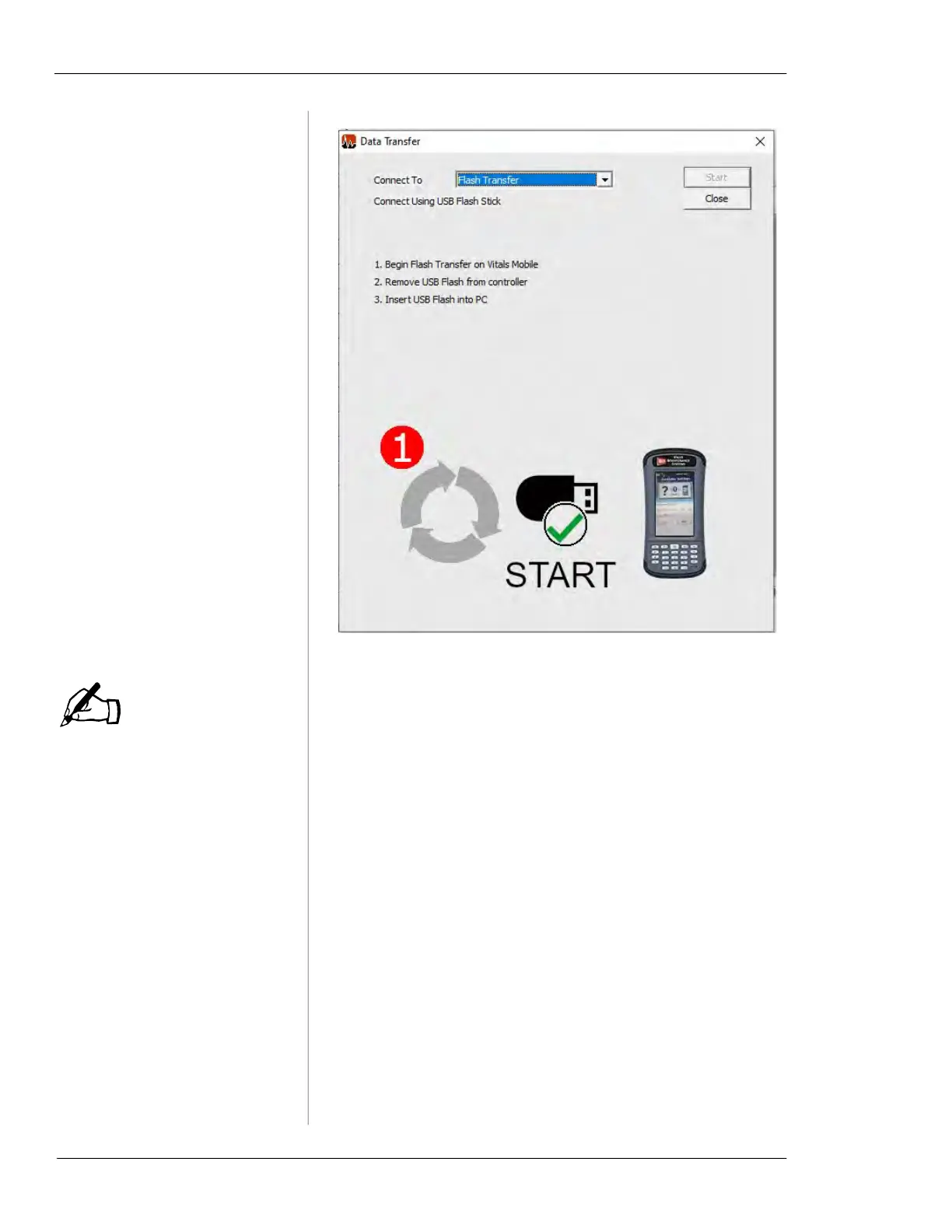
Figure 7-23. Use the Flash Transfer connection.
If there are data transfers
from multiple handheld con-
trollers on the flash drive,
they will appears as separate
folders. You will need to
import each folder individu-
ally.
8.
Click on the folder name for the transfer. The folder
name is the same as the
Transfer ID shown on the
Vitals Mobile screen.
NOTE



 To Next Page