Vitals Reference Manual
160 Part No. 79-MAN-04, Rev. I E.H. Wachs
6.
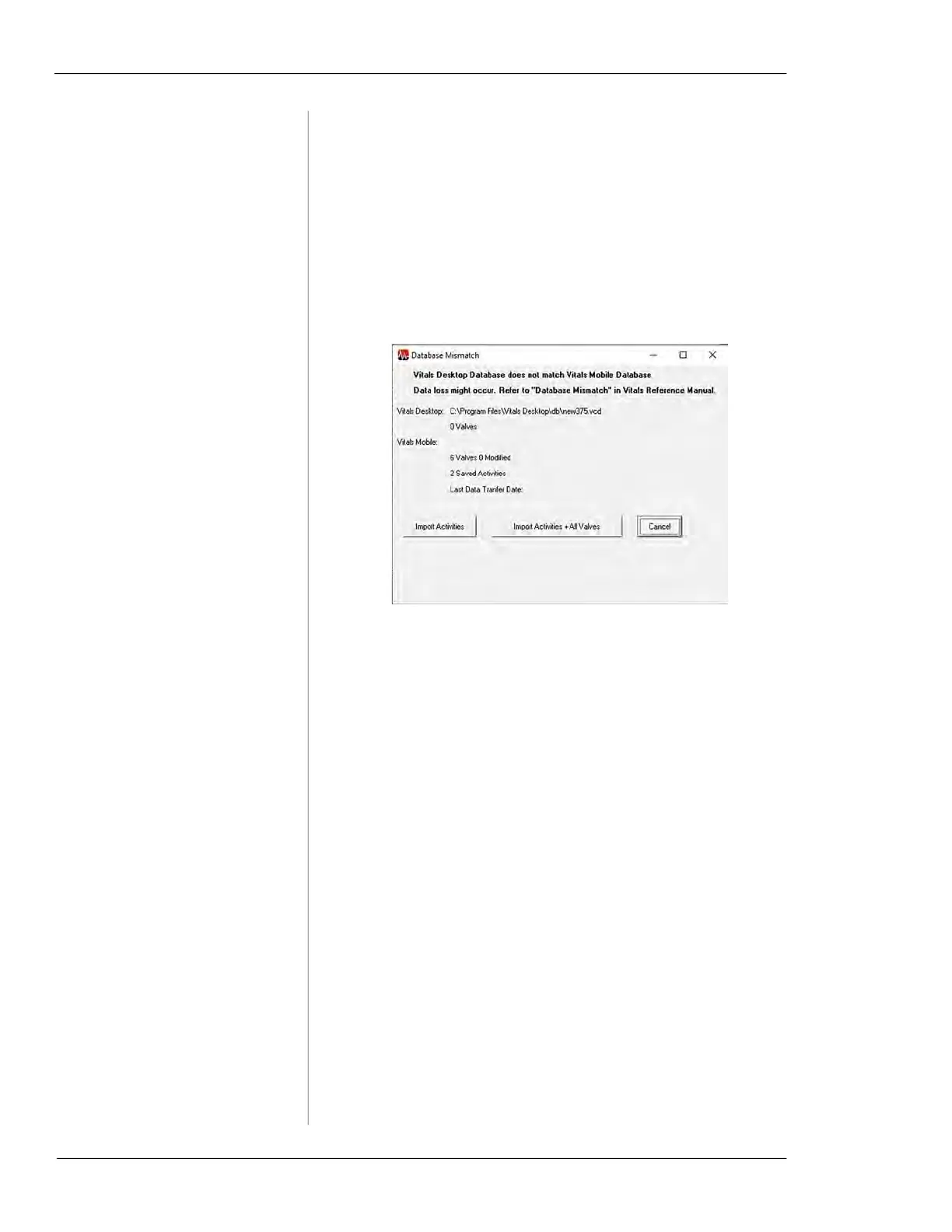
If the Database Mismatch message appears, the data-
base on Vitals Mobile-TC is different from the data-
base currently open in Vitals Desktop.
• In general, click Import Activities. This imports activ-
ity data without changing the database structure.
• If the database in Vitals Desktop is blank or does not
have any valves, you can click Import Activities + All
valves. This will add all the valves from the controller to
the local database.
Figure 7-31. Database Mismatch will appear only if
the imported data does not match the Vitals Desktop
database structure.
7.
The Updated Valves tab on the Data Import screen
allows you to review new or changed valve data from
Vitals Mobile-TC.



 To Next Page