Chapter 7, Using Vitals Desktop: Transferring Data Between Vitals Desktop and Vitals Mobile
E.H. Wachs Part No. 79-MAN-04, Rev. I 161
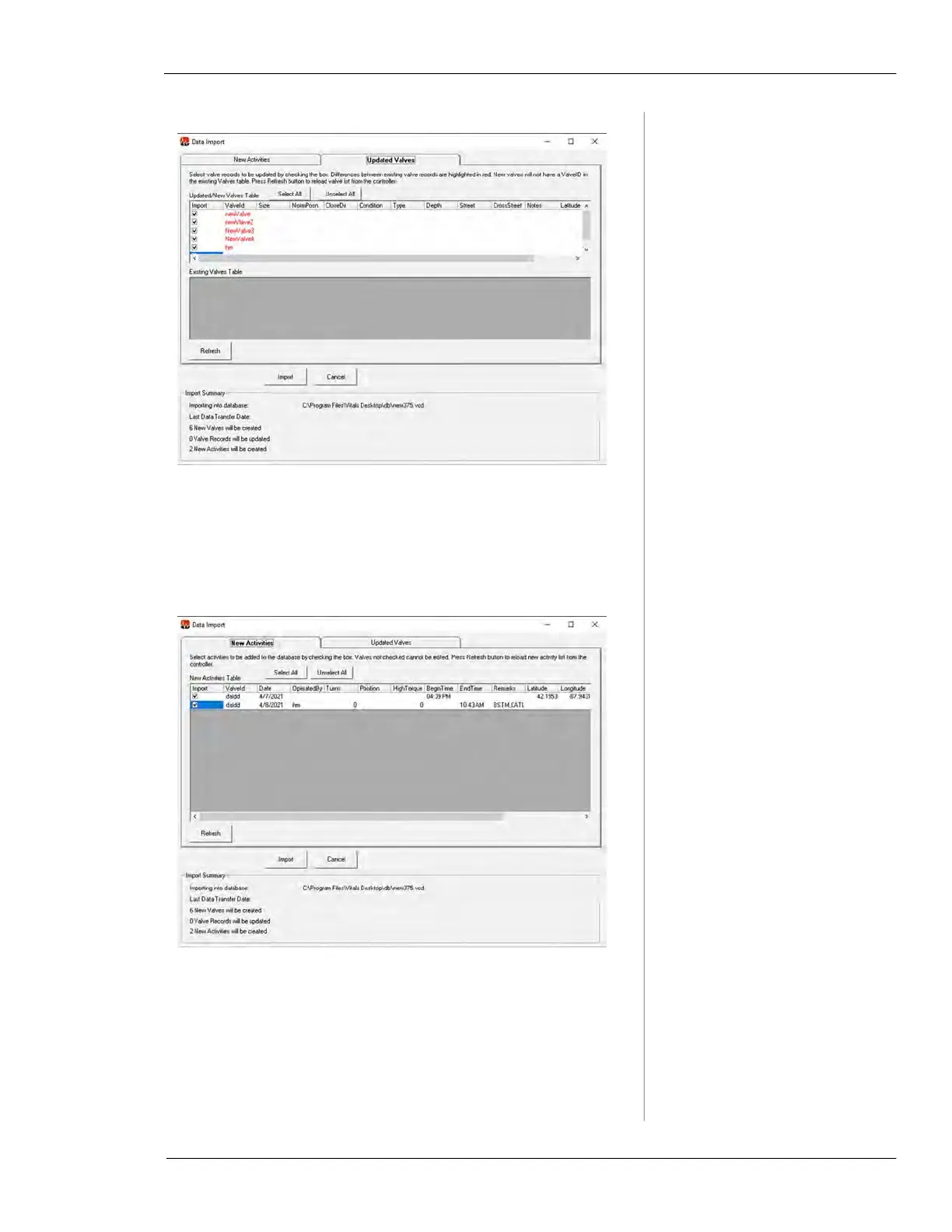
Figure 7-32.
8.
The New Activities tab on the Data Import screen
allows you to review new activity data from Vitals
Mobile-TC.
Figure 7-33.
9.
When you have reviewed the data for import, click
Import to continue.
10.
After the import is complete, export the database back
to Vitals Mobile-TC. This ensures that all valve data
on both Desktop and Mobile is synchronized.



 To Next Page