Chapter 8, Troubleshooting Guide:
E.H. Wachs Part No. 79-MAN-04, Rev. I 195
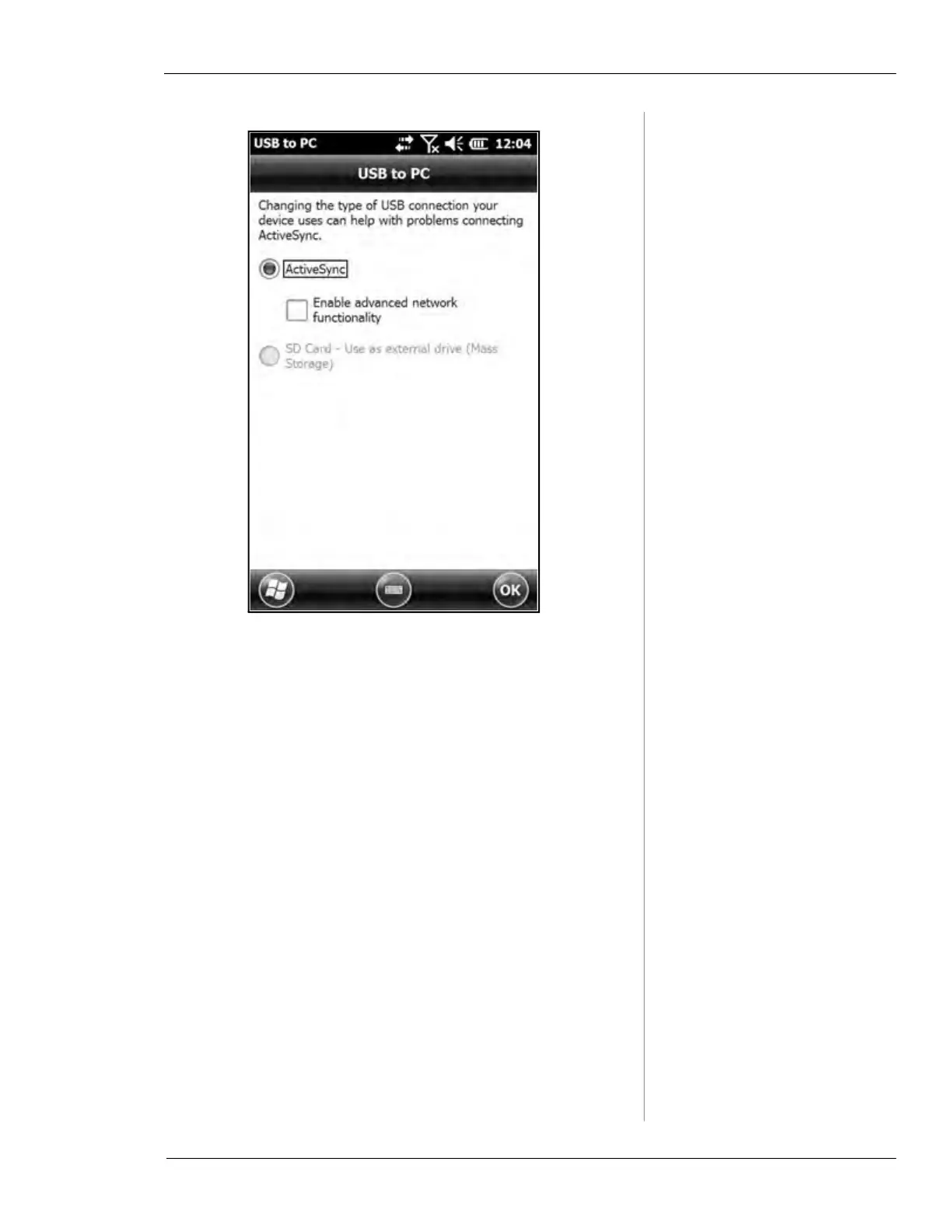
Enable advanced network functionality is off by default.
5. Faulty USB cable.
• Check connection with another USB cable.
Symptom: Running slow or locking up
Occasionally, software programs or the operating system on
a device may cease to respond, leaving the device in a state
where it cannot be used until some or all software programs
are closed or the operating system is reset.
Stop Running Programs
1. Open Task Manager on the HC-100 to stop applications
or end tasks. (Task Manager is on the HC-100 Home
screen - Tap on Home button)
2. Tap on Menu > End All Tasks



 To Next Page