Chapter 8, Troubleshooting Guide:
E.H. Wachs Part No. 79-MAN-04, Rev. I 203
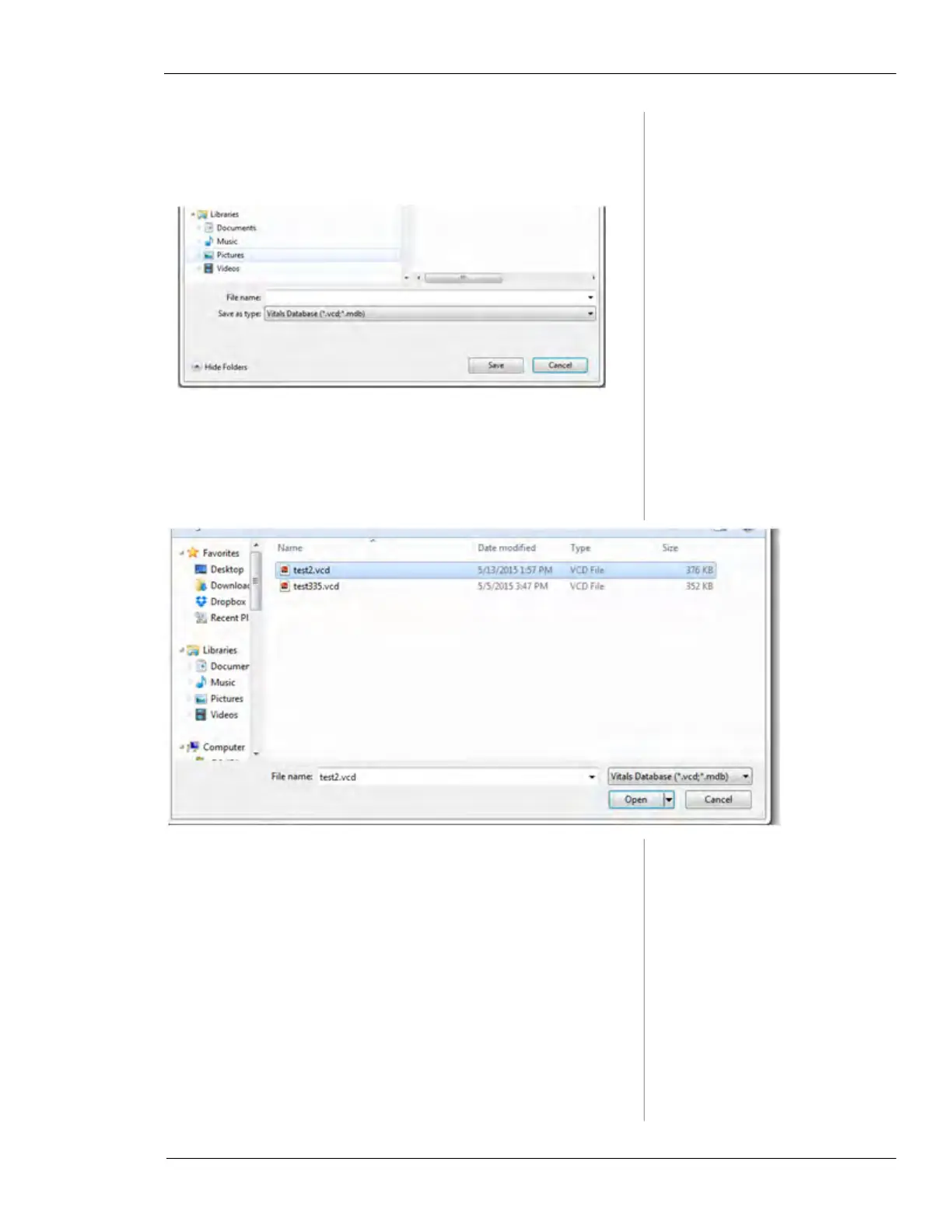
i. To create a new database, click New. The Save
As dialog appears; name the database and click
Save.
ii. To locate the existing database, click
Open. The
Open File dialog appears; browse to the location
of the database file, click on the file to select it,
and click
Open.



 To Next Page