Vitals Reference Manual
204 Part No. 79-MAN-04, Rev. I E.H. Wachs
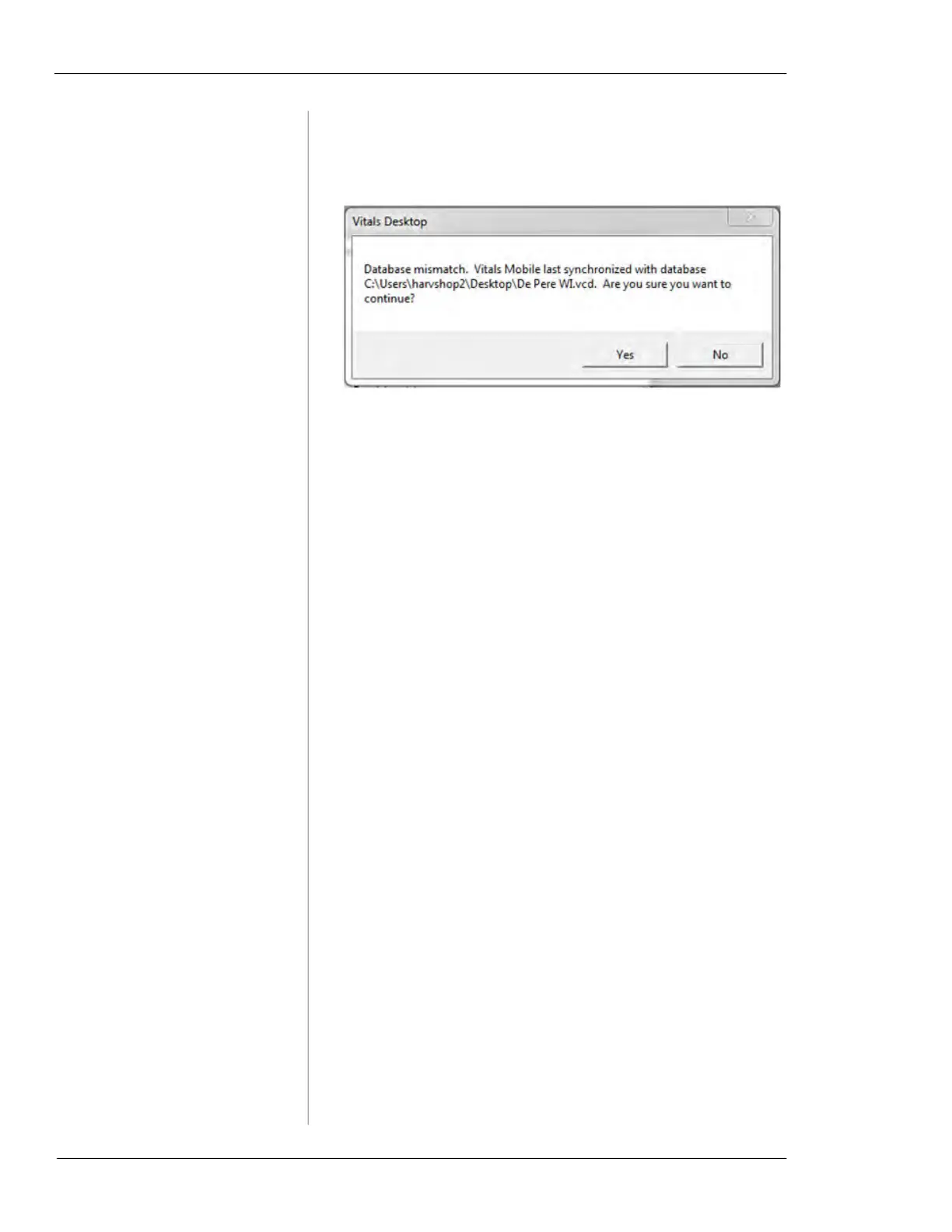
Symptom: Database mismatch message after per-
forming a Data Transfer.
1. Directory related
• This message can appear when the default location
of the Database is changed within Vitals Desktop.
The file location in the message is the location for
the very first database you created.
• Clicking yes will simply ignore the message and
perform the Data Transfer to the database currently
opened within Vitals Desktop.
• To avoid this message, do not change the file loca-
tion of Vitals Database. Be careful with mapped
drives or user level folders. It is recommended to use
Windows UNC with an absolute path
• To eliminate this message, reinstall Vitals Mobile.
i. Uninstall Vitals Mobile on the handheld.
ii. Remove the Vitals Mobile folder from the File
Explorer menu on the handheld.
iii. Reinstall Vitals Mobile from the PC running
Vitals desktop. (If the location of the database is
changed again in Vitals Desktop, the message
will re-appear.)



 To Next Page