Vitals Reference Manual
206 Part No. 79-MAN-04, Rev. I E.H. Wachs
iii. Right click on the table and click Rename.
iv. Rename to Activities.
v. Close Microsoft Office Access and open the
database with Vitals Desktop.
• Tables required by Vitals are as follows: Activities,
Fields, Remarks, TorqueCharts, Valves and
Vitals. If these are missing or named differently,
there will be problems when trying to open the data-
base.
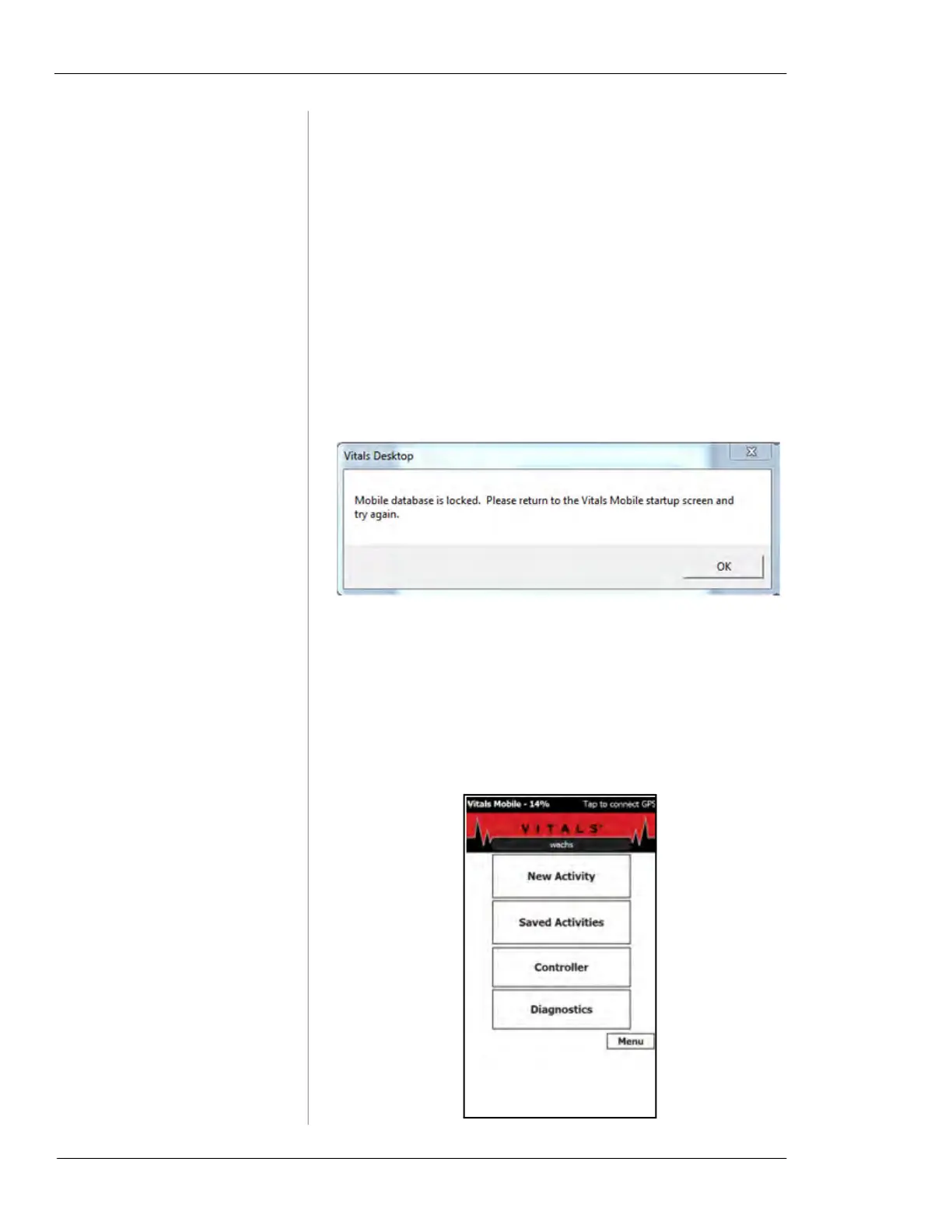
Symptom: “Mobile database is locked” message
appears when performing a Data Transfer.
1. User Error
• This error message pops up when Vitals Mobile is
not on the main screen.
i. Make sure Vitals Mobile is at the following
screen, and then click on
Data Transfer in Vitals
Desktop.



 To Next Page