Vitals Reference Manual
22 Part No. 79-MAN-04, Rev. I E.H. Wachs
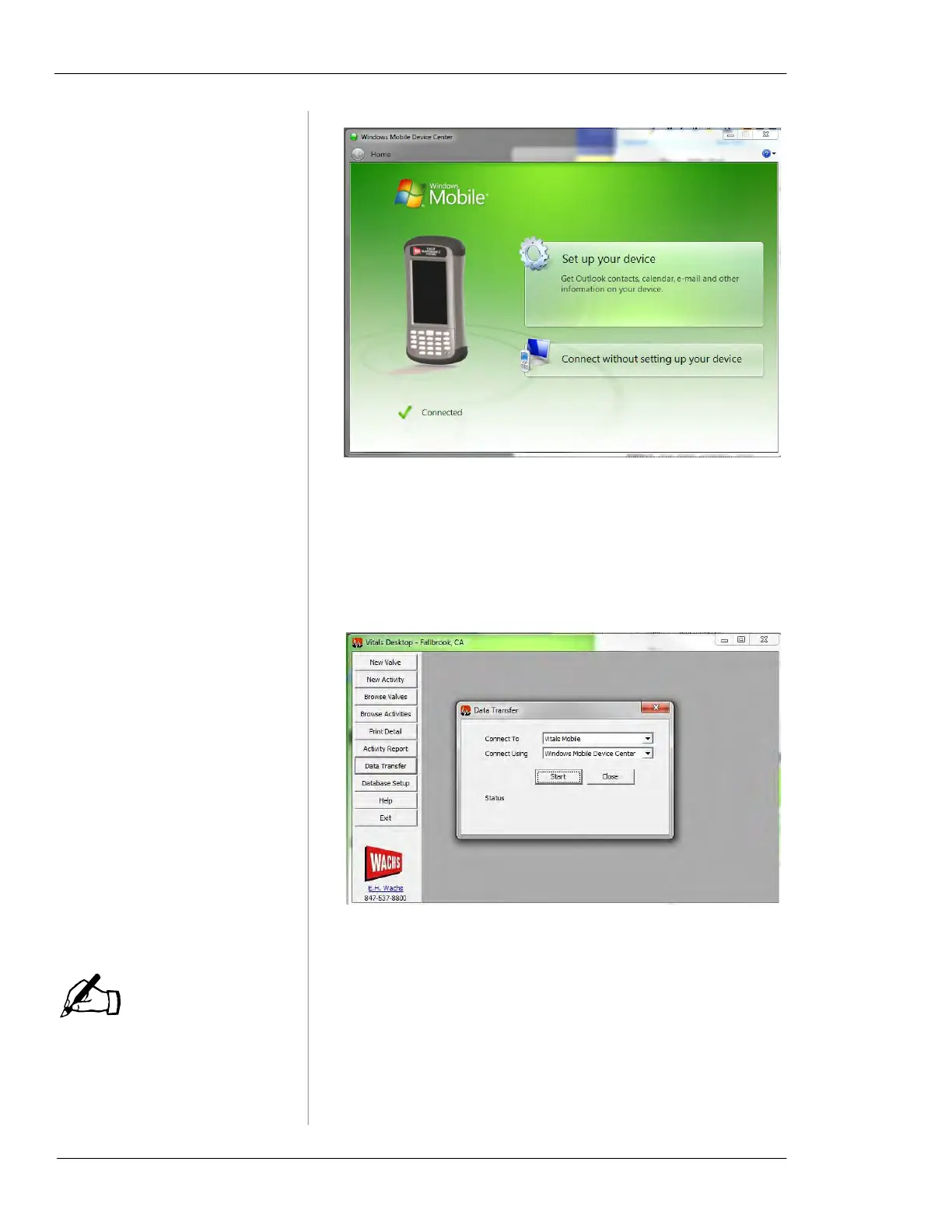
Figure 4-1. Windows Mobile Device Center will rec-
ognize the HC-100 controller.
4.
Start the Vitals Desktop application.
5.
In the Vitals Desktop menu, click Data Transfer. The
Data Transfer dialog box should open. Click START.
Figure 4-2. Click
Start when the Data Transfer dialog
appears.
Once the installation starts,
do not cancel it or close
Vitals. You could lose activity
data.
6.
Vitals Desktop detects whether the controller has
Vitals Mobile installed (including updates to the latest
version). Click
Yes to install Vitals Mobile.
7.
The HC-100 screen shows the installation progress.
IMPORTANT: Do not quit Vitals Desktop on the PC,
or turn off the HC-100, during installation.
NOTE



 To Next Page