Chapter 4, Starting Up with Vitals: Vitals Mobile-HC
E.H. Wachs Part No. 79-MAN-04, Rev. I 23
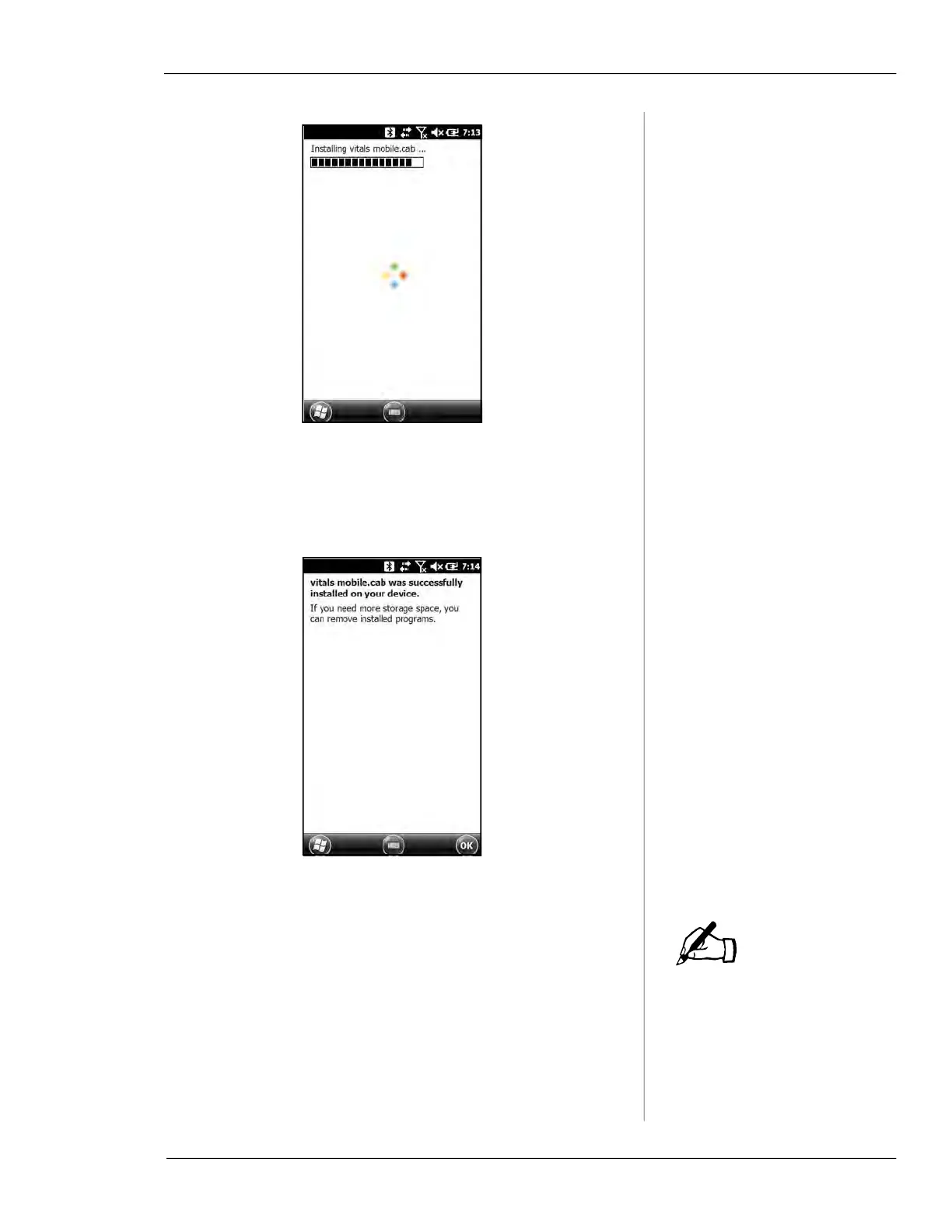
Figure 4-3. The HC-100 screen displays the installa-
tion progress.
8.
A message confirms that the installation was success-
ful.
Figure 4-4. The HC-100 shows when the Vitals instal-
lation is complete.
Once the data transfer starts,
do not cancel it or close
Vitals. You could lose activity
data.
9.
After Vitals Mobile successfully installs on the con-
troller, click the
OK button in Vitals Desktop.
10.
Vitals Desktop will sync the database on the HC-100.
Click the
Close button when data transfer is complete.
NOTE



 To Next Page