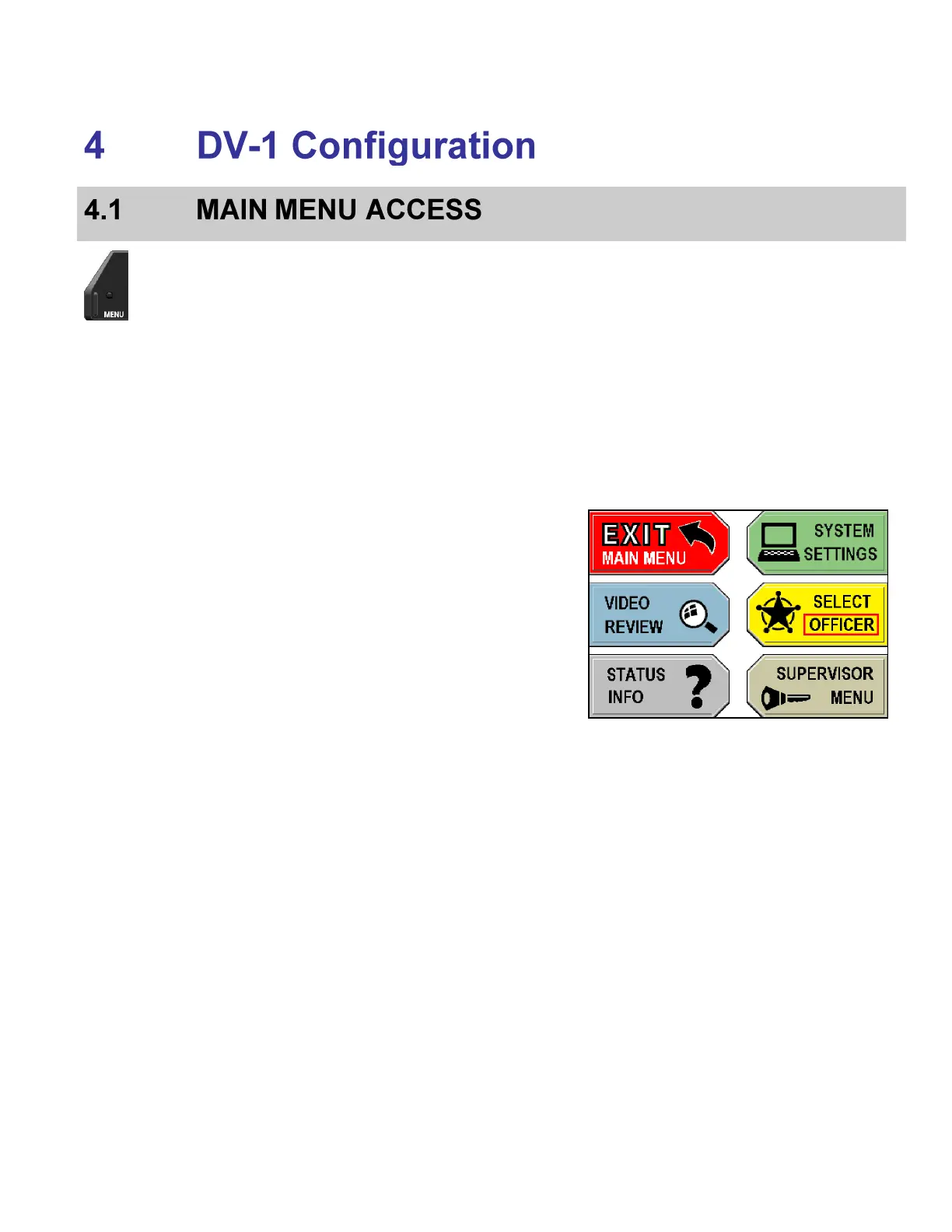
The Main Menu is displayed with the following options:
Exit Main Menu – Exit the Main Menu and return to the main
camera display screen
Video Review:
o Play back recorded or buffered events on the hard
drive
o Edit event tags, if defined, on recorded events
o Play back video starting with current time
o Define a new event start/stop using the Record
After the Fact (RATF) feature
Status Info – Information about the DVD, hard drive, system,
user, and devices
System Settings:
o Set time/date, department name, vehicle ID, and
officer names
o Setup input devices (radar, siren, etc.)
o Set recording criteria (pre-/post-event, start/stop
triggers, video quality, and camera auto-zoom)
o Manage on-screen text
o Save or restore officer preferences
Select Officer – Select the current officer



 To Next Page