LOANER/ADVANCED REPLACEMENT MODE OTHER MODES OF OPERATION
128
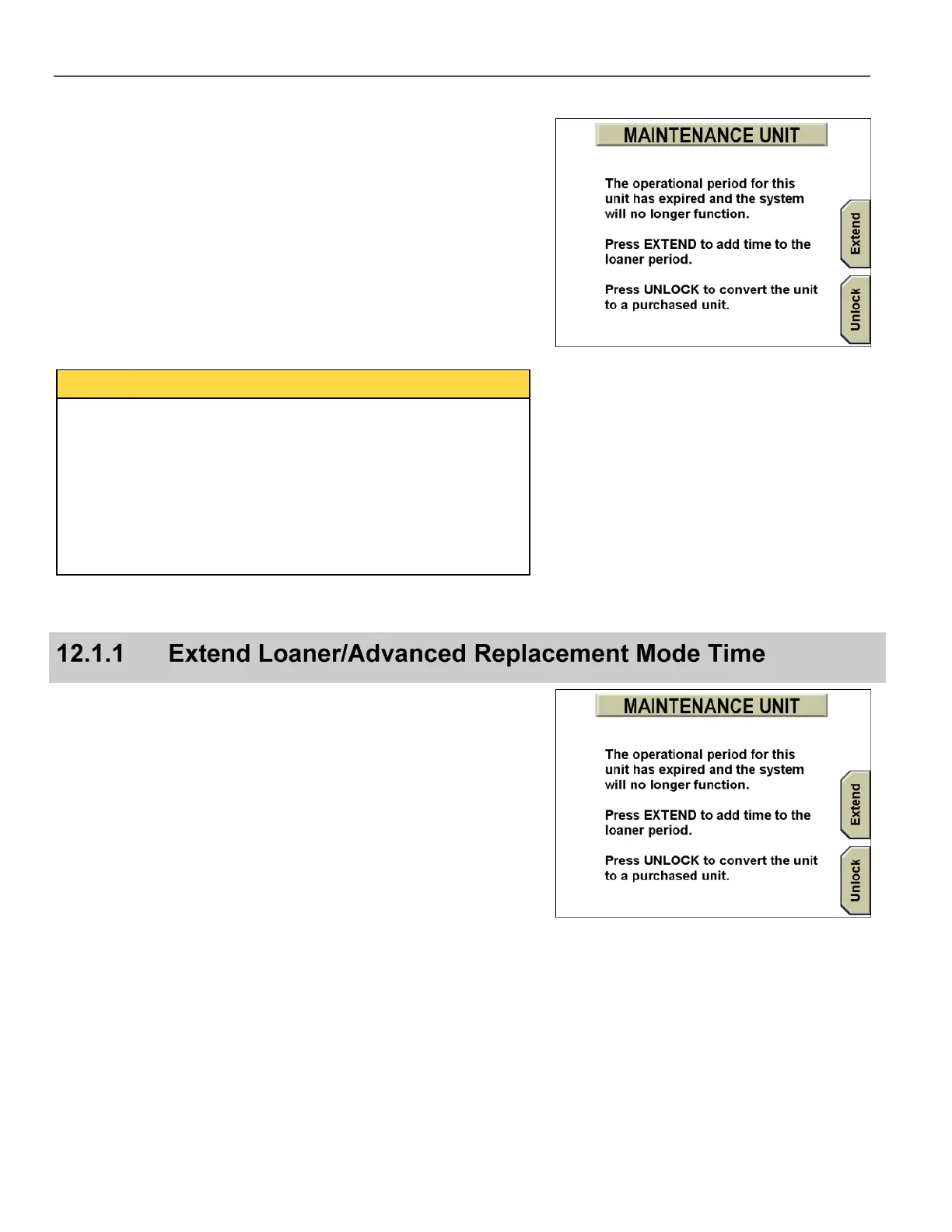
When the loaner time period has expired, the MAINTENANCE UNIT
screen no longer displays the Dismiss key. Only the Extend and
Unlock options remain.
Press either Extend or Unlock, then follow the prompts to
continue using the DV-1 unit.
No additional Loaner time can be created by changing the
date/time on the DV-1 unit.
Setting the date/time of the unit forward reduces the number of
Loaner days by the number of days the date/time was set ahead.
Setting the date/time of the unit back does not affect the remaining
number of Loaner days. The number of Loaner days remains the
same.
Press Extend on the MAINTENANCE UNIT screen to start the
process to extend the loaner time period on the DV-1 unit. The time
extension can be from 1 to 99 days.



 To Next Page