INSTALLATION PROBLEMS TROUBLESHOOTING
116
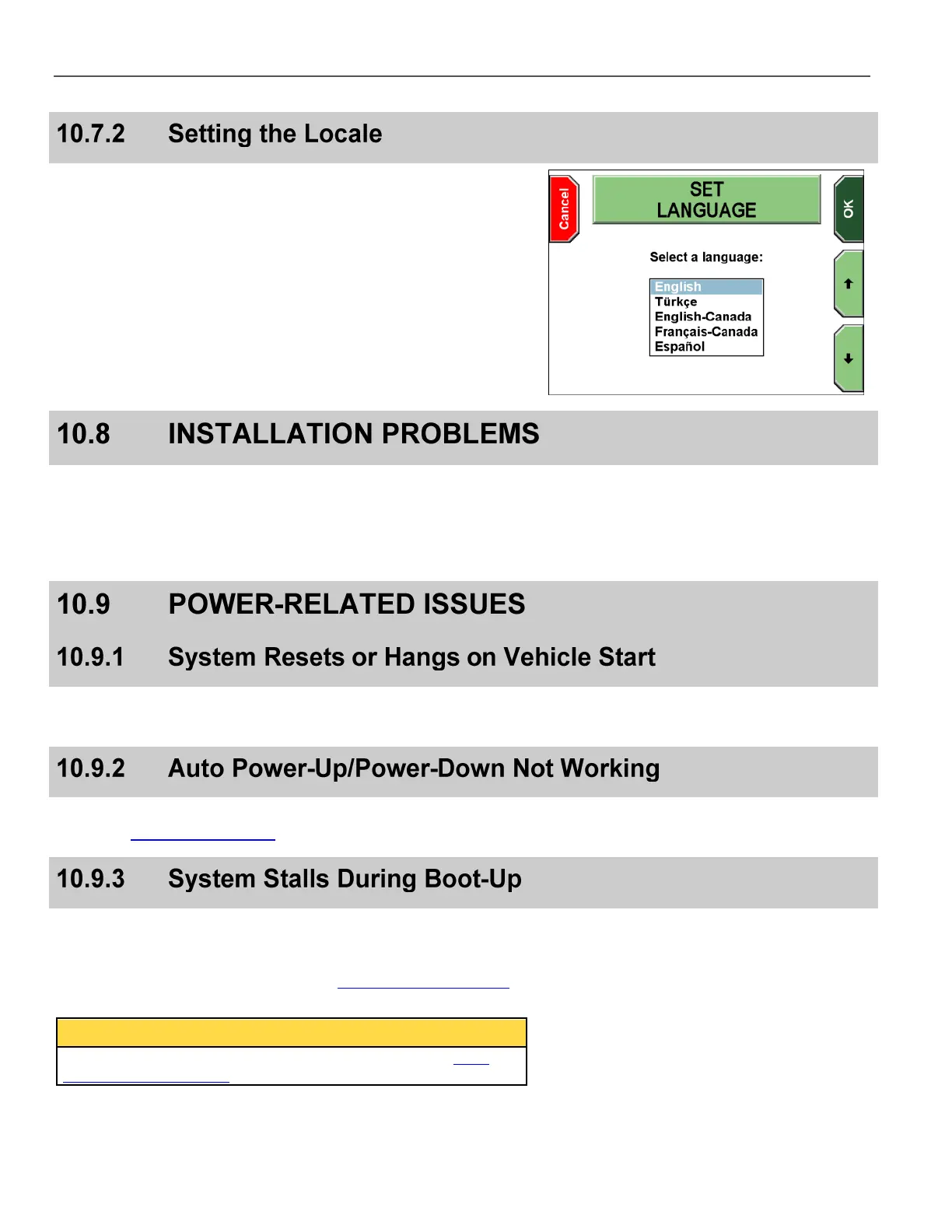
On the boot back door, you can select between 5 languages, or
locales: English, Turkish, English-Canada, French-Canada, and
Spanish. English-Canada is the same as English except that the
date format is DD-MM-YYYY instead of MM-DD-YYYY.
Press the and
keys to select a language, and then press OK.
Improper installation WILL cause system instability. If errors are
common, confirm that the installer has connected the power
and ground wires through the firewall directly to the vehicle
battery. Grounding ONLY to the car frame or a terminal is not
acceptable for reliable DV-1 operation.
The Intelligent Uninterruptible Power Supply Battery (iUPS) may
require additional charge or may need to be replaced.
Check the fuse in the ignition (switched) power wire. Check the
settings in Set System Behavior on page 78.
Allow up to 5 minutes to complete the file recovery process. If it has
stalled at the startup progress bar, press the OFF key and attempt
another restart. If it stalls again, a Quick Format of the DV-1
internal hard drive may be required. See Hard Drive Quick Format
on page 109 for formatting instructions.
If the system cannot be booted, follow the instructions in DV-1
Back Door Maintenance on page 114.



 To Next Page