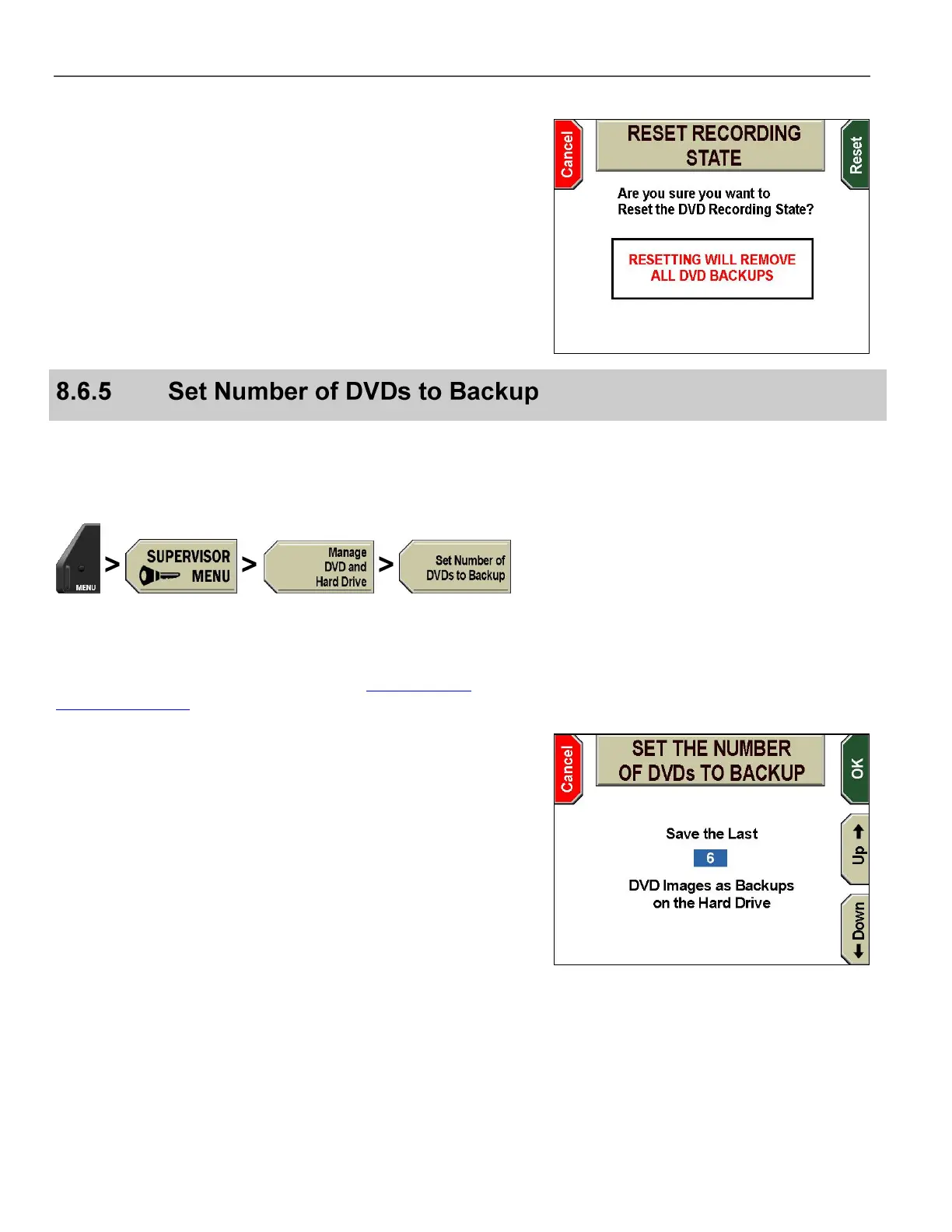
The RESET RECORDING STATE screen is displayed.
Press Reset. The system resets the recording state and then
reboots.
Press Cancel to exit without resetting.
The hard drive stores (i.e., backs up) the number of DVDs specified
in this configuration setting. These backups can be used to burn
additional copies of previous DVDs. This function is intended to
recover DVD content that has been lost or destroyed.
Press MENU > SUPERVISOR MENU > Manage DVD and
Hard Drive > Set Number of DVDs to Backup.
If prompted to login, follow the steps listed in Supervisor and
Administrator Login on page 78.
The SET THE NUMBER OF DVDs TO BACKUP screen is
displayed.
Press the Up & Down keys to increase or decrease the number
of DVDs to backup.
Press OK to confirm, or Cancel to exit without making changes.



 To Next Page