SUPERVISOR/ADMINISTRATOR FUNCTIONS MANAGE PERMISSIONS FOR SETTINGS
81
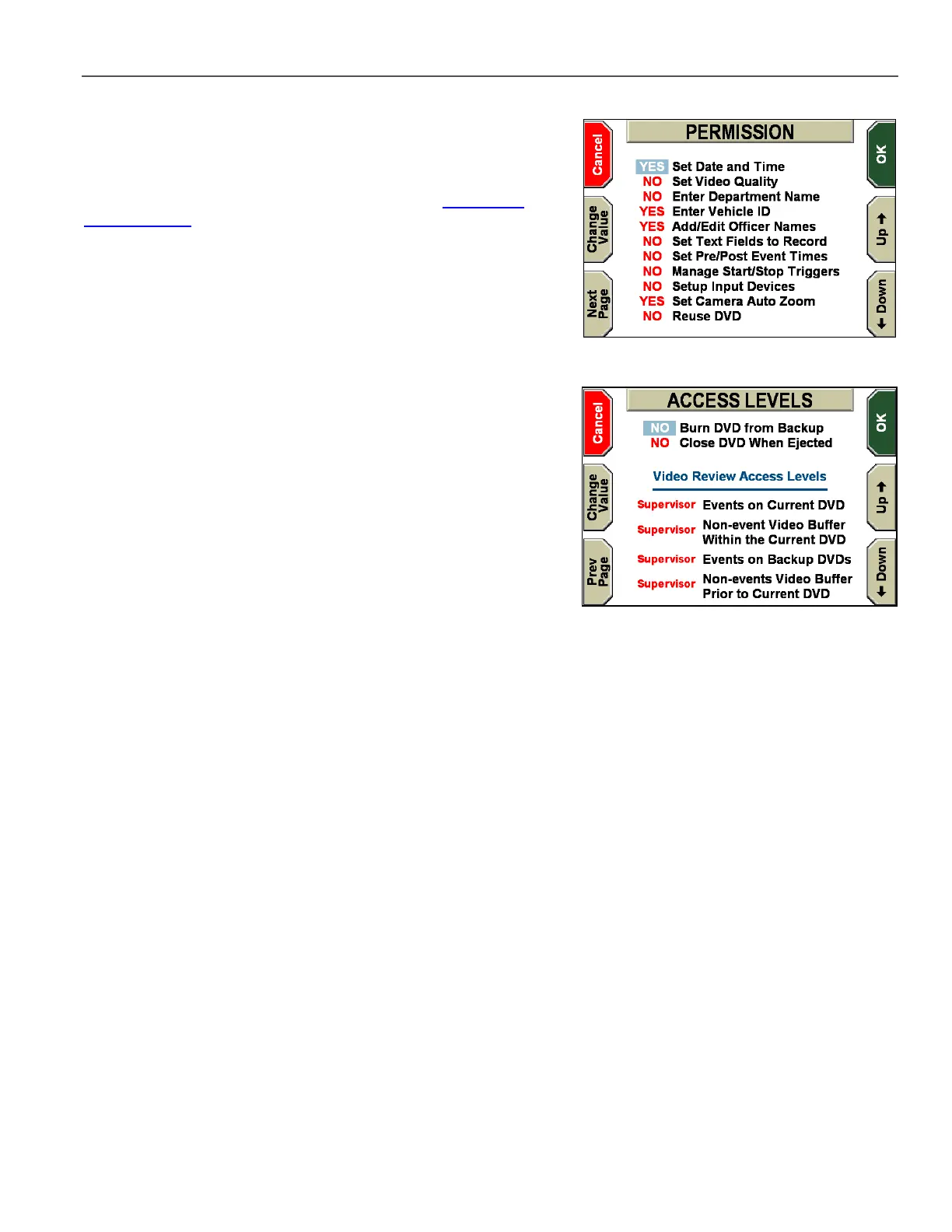
The PERMISSION screen is displayed.
For a description of the Permission options, see the Department
Default Policies table on page 103.
Press the Up & Down keys to select the permission you wish to
edit, and then press Change Value to toggle between YES and
NO. YES enables the permission. NO disables the permission.
Press Next Page to display more settings.
Close DVD When Ejected determines when the Current DVD
starts. The default DV-1 behavior is to start the Current DVD when a
blank (or previously used) DVD is inserted and formatted. Setting
this permission to YES allows the current officer to close-out the
Current DVD when it is ejected so that no one can view his or her
video.
Press OK to confirm, or Cancel to exit without making changes.
Video Review Access Levels are explained in the next section.



 To Next Page