MANAGE DVD AND HARD DRIVE SUPERVISOR/ADMINISTRATOR FUNCTIONS
84
The text to the right flashes across the screen. If these tests are not
completed successfully, please contact WatchGuard Customer
Service at 1-800-605-6734 or email
customerservice@watchguardvideo.com.
After completing the check for errors, press the Reset key to restart
the DV-1.
For additional information on performing either a quick format or a
full format of the hard drive, see Hard Drive Quick Format on page
109 or Hard Drive Full Format on page 111.
Entering Maintenance Mode
Checking Partition 1…passed
Checking Partition 2…passed
Use this procedure to restore the system to factory defaults in the
case of an event such as a corrupted configuration file.
The configuration file stores information such as Officer Names,
PIN Numbers, Supervisors, Video Quality, and Vehicle ID.
This operation should only be performed when instructed by
Customer Service personnel.
U.S. customers, call 1-800-605-6734 or email
customerservice@watchguardvideo.com prior to selecting this
option. International customers, contact your local distributor.
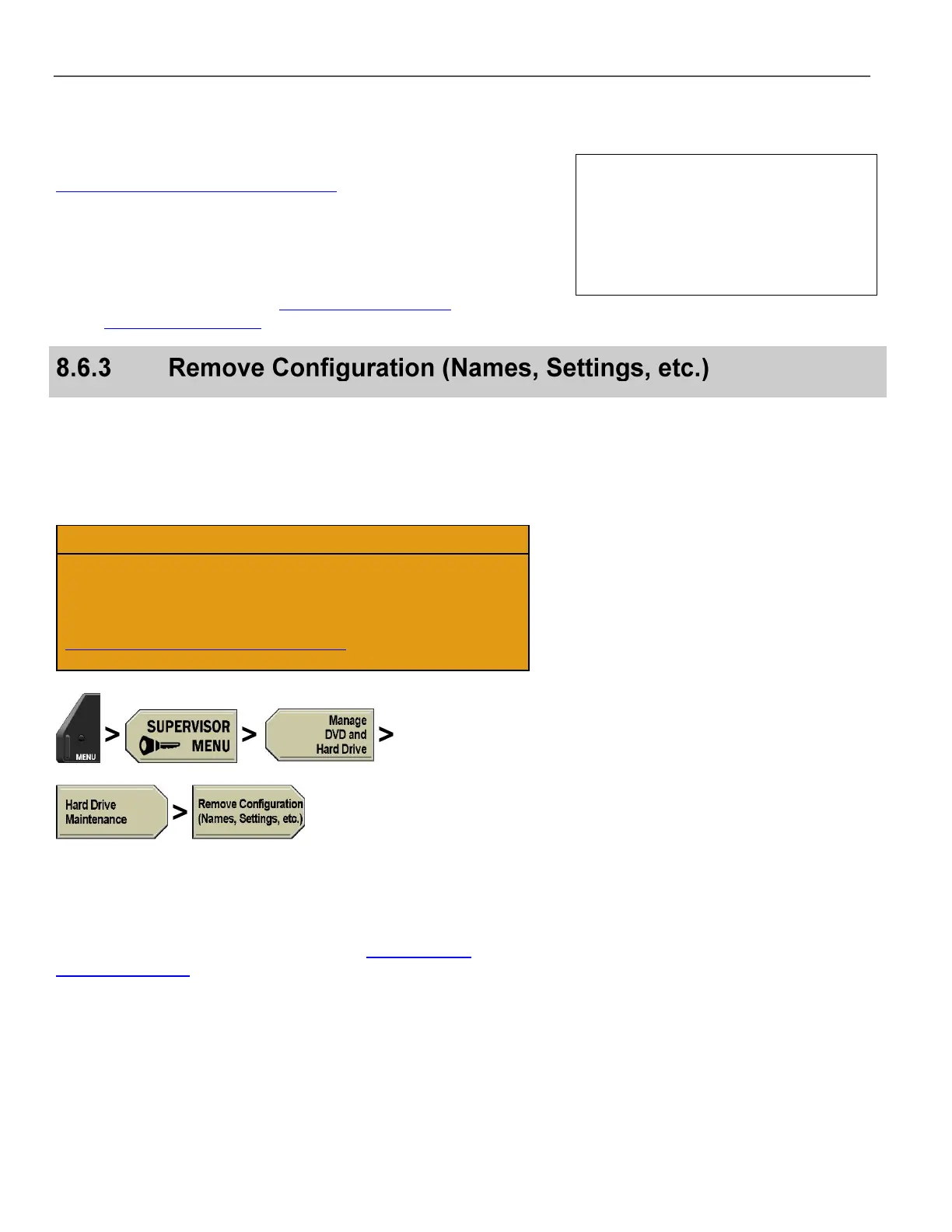
Press MENU > SUPERVISOR MENU > Manage DVD and
Hard Drive > Hard Drive Maintenance > Remove
Configuration (Names, Settings, etc.).
If prompted to login, follow the steps listed in Supervisor and
Administrator Login on page 78.
When the Remove Configuration option is selected, all
configuration file settings are removed (including all officer names),
and a new default (blank) configuration file is created. There is no
confirmation message asking Are you sure? so take extra
caution when selecting this option.



 To Next Page