DETAILED DV-1 OPERATION FRONT CAMERA KEYPAD CONTROLS
65
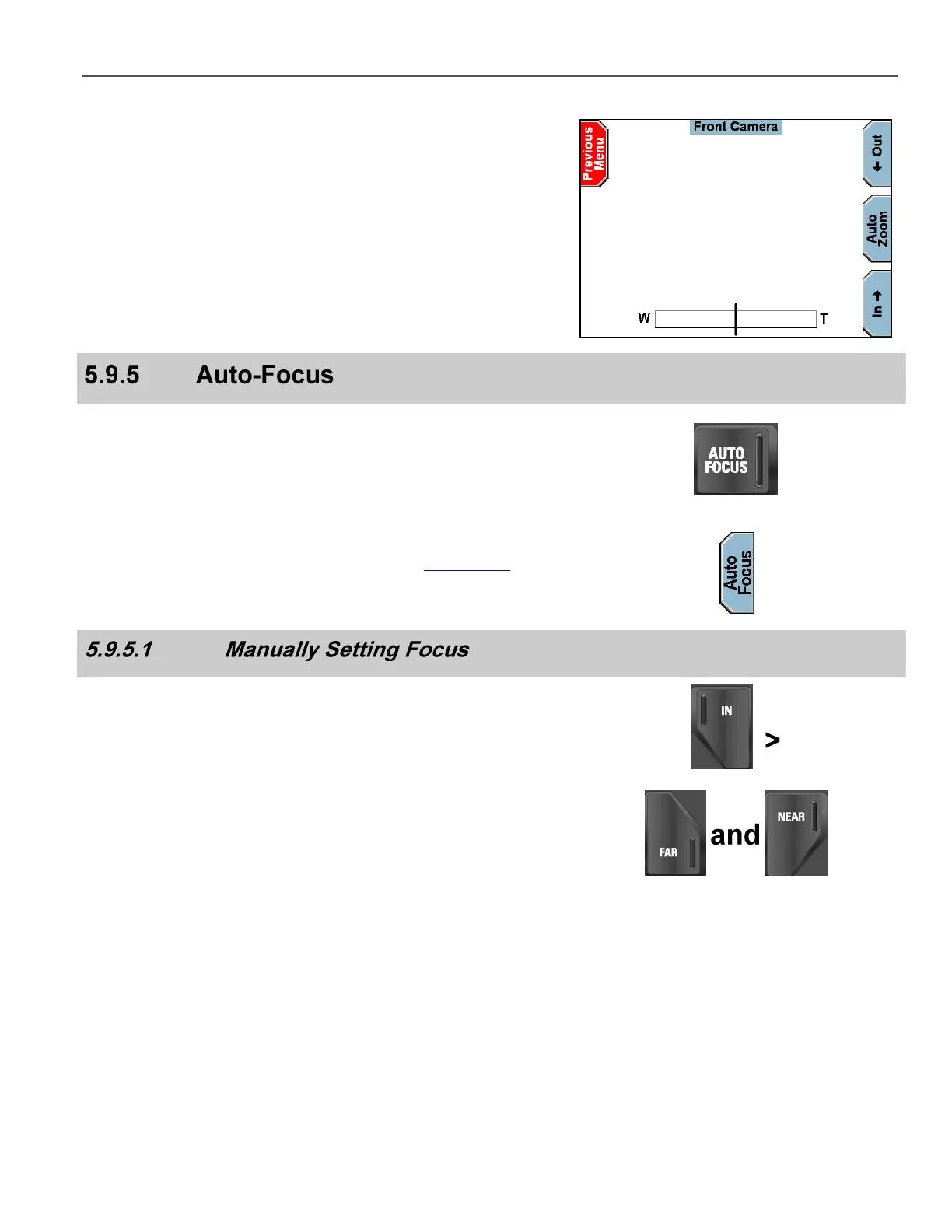
The bar scale at the bottom of the screen indicates the magnification
level of the current zoom setting. To the left of the vertical bar is the
optical zoom area, and to the right is the digital zoom area. W is wide
angle, and T is telephoto.
The scale indication takes several seconds to receive updated zoom
positions from the camera.
The Front Camera uses a vari-focus lens system that maintains
focus regardless of the magnification level.
Press the AUTO FOCUS key on the keypad to allow the camera to
self-focus.
Alternatively, select either the Front Camera or the Rear Camera
from the Camera Menu on the Front Panel (see Camera Key on
page 61), and then press the Auto Focus key to allow the camera
to self-focus.
Use the Camera Keypad and zoom all the way in to an object at the
desired distance.
Use the Far and Near keys to manually adjust the focus.
Zoom back out to a wide angle view, and the object will remain in
crisp focus.



 To Next Page