DV-1 CONFIGURATION RECORDING SETUP
41
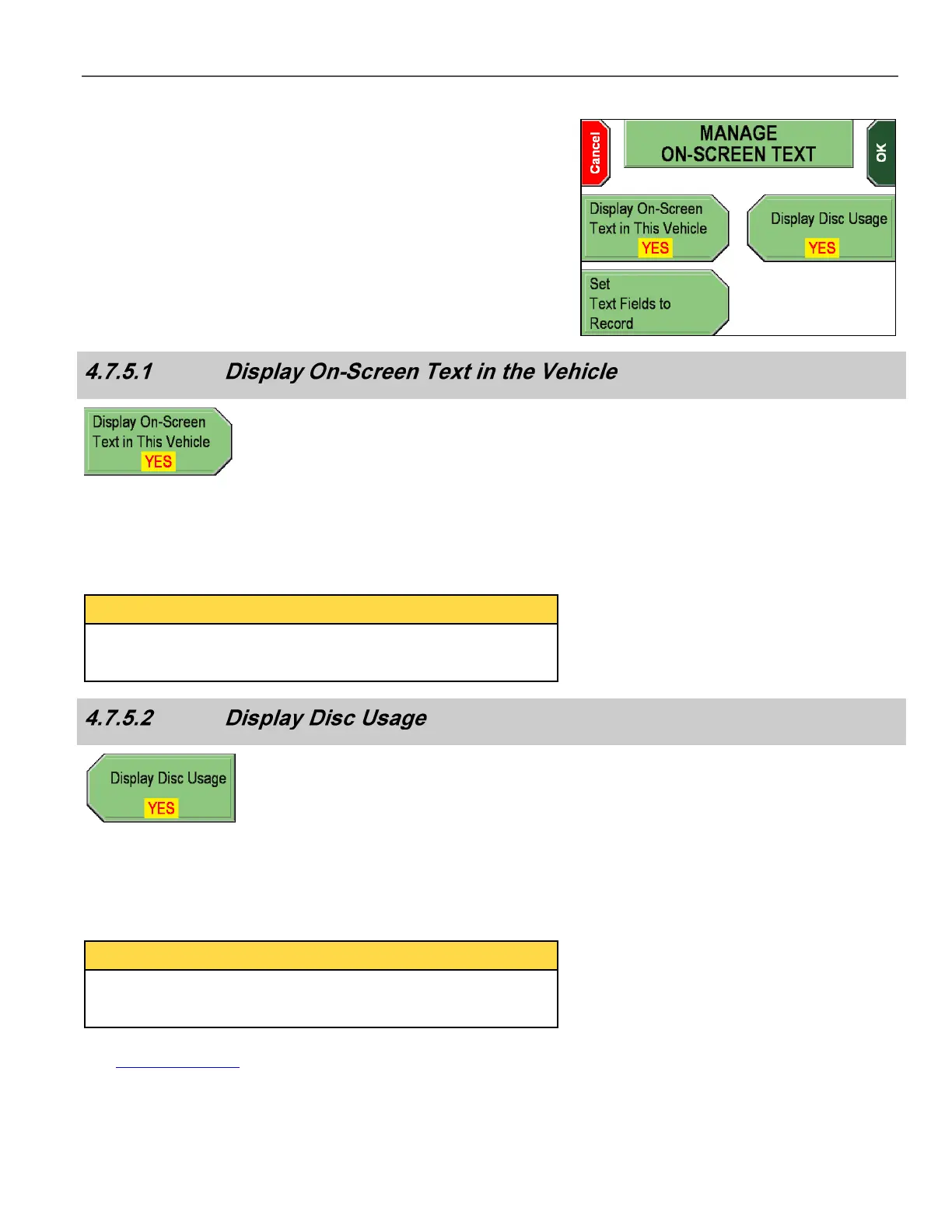
The MANAGE ON-SCREEN TEXT screen is displayed.
The three options are discussed in the sections below.
From the Manage On-Screen Text screen, press Display On-
Screen Text in This Vehicle to toggle between YES & NO.
YES sets the system to show text on the DV-1’s screen. NO sets the
system to not show on-screen text.
Changing the Display On-Screen Text in This Vehicle setting
does not affect what text information is recorded on the DVD in the
Closed-Captioning Layer.
From the Manage On-Screen Text screen, press Display Disc
Usage to toggle between YES & NO. YES sets the system to show
the disc usage meter on the DV-1’s screen. NO sets the system to
not show the disc usage meter.
Changing the Display Disc Usage setting does not affect what
text information is recorded on the DVD in the Closed-Captioning
Layer.
See Disc Usage Meter on page 52 for further details.



 To Next Page