PLAYBACK ON COMPUTERS AND DVD PLAYERS DETAILED DV-1 OPERATION
66
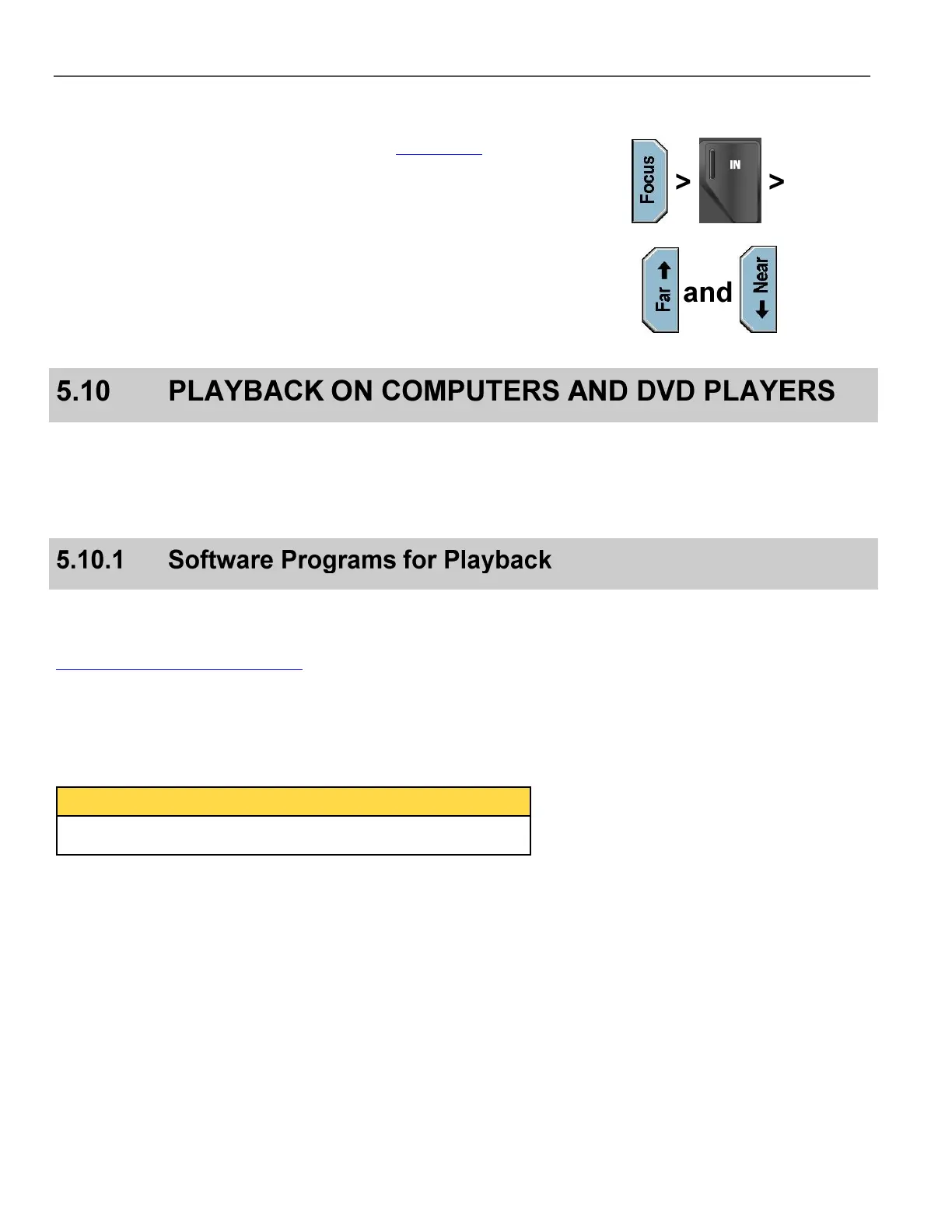
Alternatively, select either the Front Camera or the Rear Camera
from the Camera Menu on the Front Panel (see Camera Key on
page 61), and then press the Focus key.
With the Focus screen still displayed, use the Camera Keypad and
zoom into an object at the desired distance.
From the Front Panel, use the Far and Near keys to manually
adjust the focus.
Zoom back out to a wide angle view, and the object will remain in
crisp focus.
Because of the DVD+RW format that is used in the DV-1, there is no
need for disc finalization before playing back on a computer or DVD
player. The DVDs that come out of the DV-1 are ready to play on
your DVD player or computer. Evidence recorded in the car is the
exact evidence that is brought into court.
WatchGuard’s DVD Manager Utility is the recommended software
program for playback. Documentation for all versions of the DVD
Manager Utility is on the web at:
http://watchguardvideo.com/support
Some of the main advantages are:
The ability to recover video from corrupted media
Single-title copies
Save video titles as MPEG-2 files
Other programs such as Windows Media Player and RealNetworks’
RealPlayer may be utilized as well if the user chooses.



 To Next Page